
Salon suites, rental rooms & hourly studios · Toronto & GTA
Every renter gets their own door.
Give each renter an agreed route from the front entrance to their own room. Keep client arrivals, short bookings and cleaner visits separate, with an operator responsible for issuing and withdrawing permissions.
Shared reception and private rooms
List the room boundaries before selecting keys.
List the shared entrance and rooms you want connected. Describe the rental periods, client arrival routine and who will maintain permissions when a booking or tenancy changes.
List the rented rooms
Mark each suite and the shared approach.
Assess every selected opening
Check powered locks, wiring and occupied-room constraints.
Plan renter permissions
Agree session changes, client arrivals and operator handover.
In short
How do you give each renter access to only their own room?
For owners of salon suites, rental rooms and hourly studios
Start by assigning a renter the specific entrance and room they are allowed to use. SmartphoneKey documents credentials covering several configured locks, supported Wallet keys, its NFC cards and limited guest permissions. A room-rental operator issues the access and maintains changes. Each connected opening needs a suitable assessed locking arrangement; a booking calendar is not a verified automatic source of those permissions.
At the door
The renter, the short booking and the operator.
-
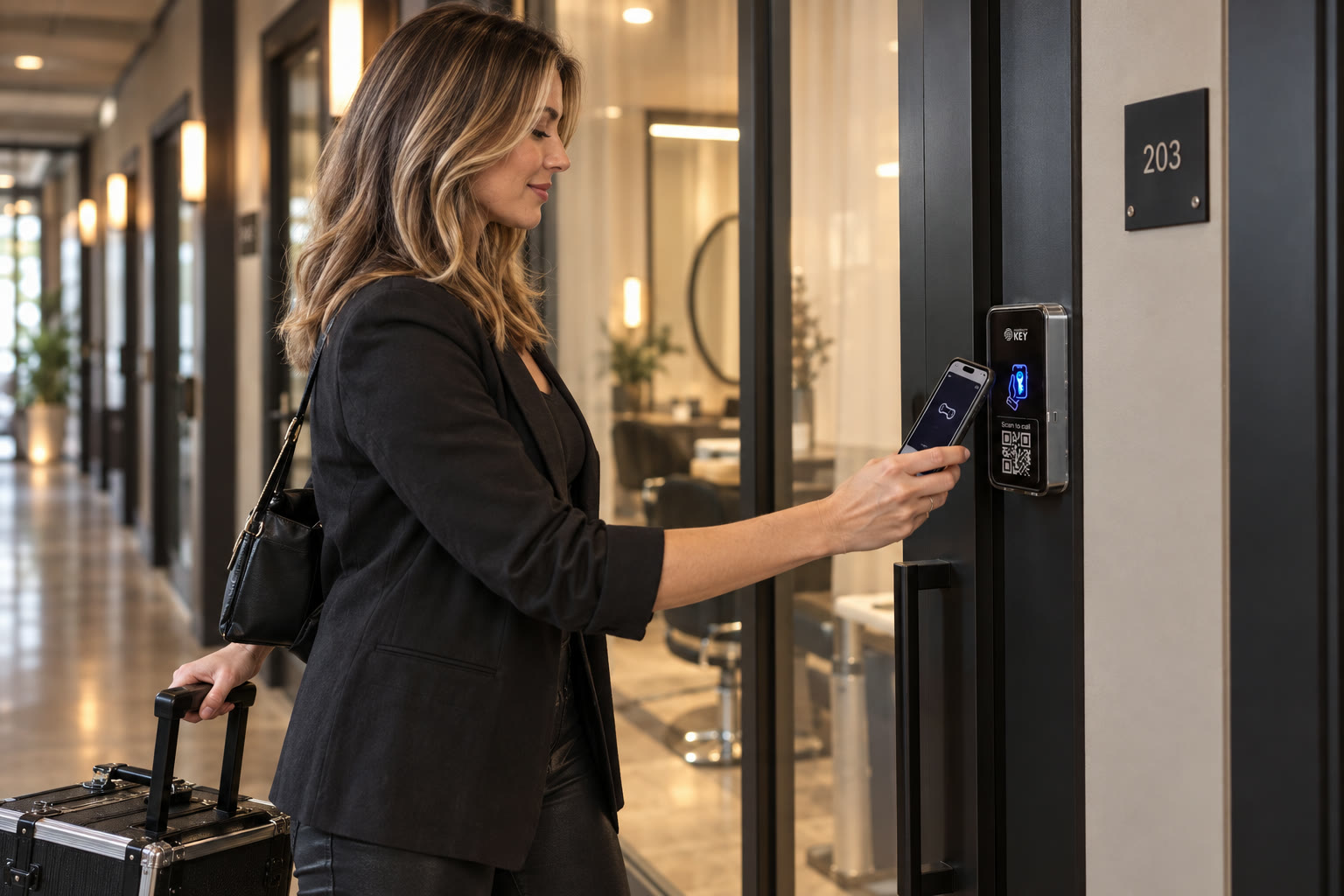
09:15 · Suite 203 · Renter
Her suite, her key.
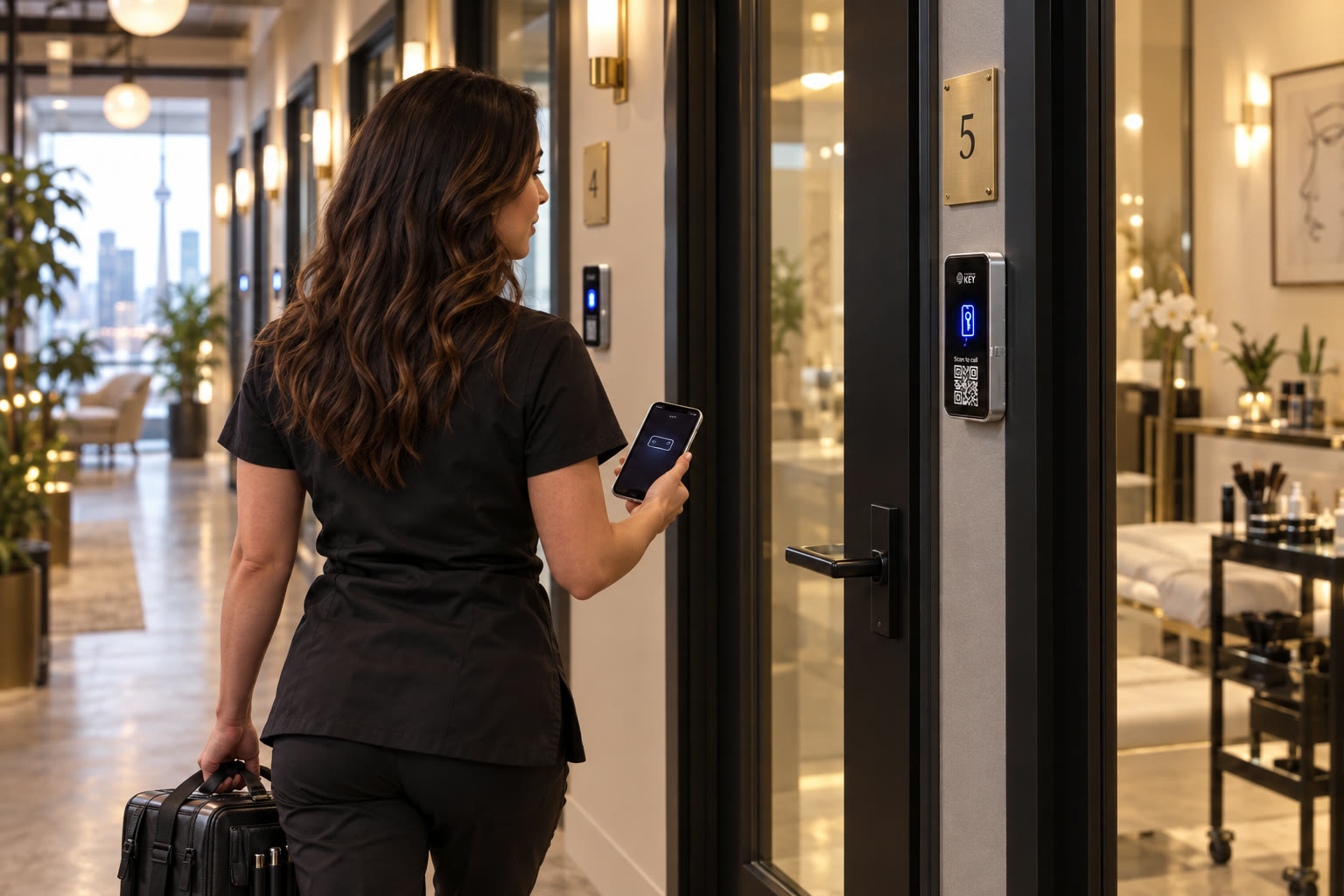
Map the agreed common entrance and suite to the renter credential. Test that route during handover, including the other doors the renter should not use. The physical work and permission settings should match the room arrangement the operator actually offers.
-

14:00 · Studio B · Hourly booking
A two-hour booking.
The operator creates the guest permission around the confirmed session. Include any agreed setup time and choose the allowed openings and uses. If the appointment moves, someone must review the permission as well as the booking; the calendar connection is unverified.
-
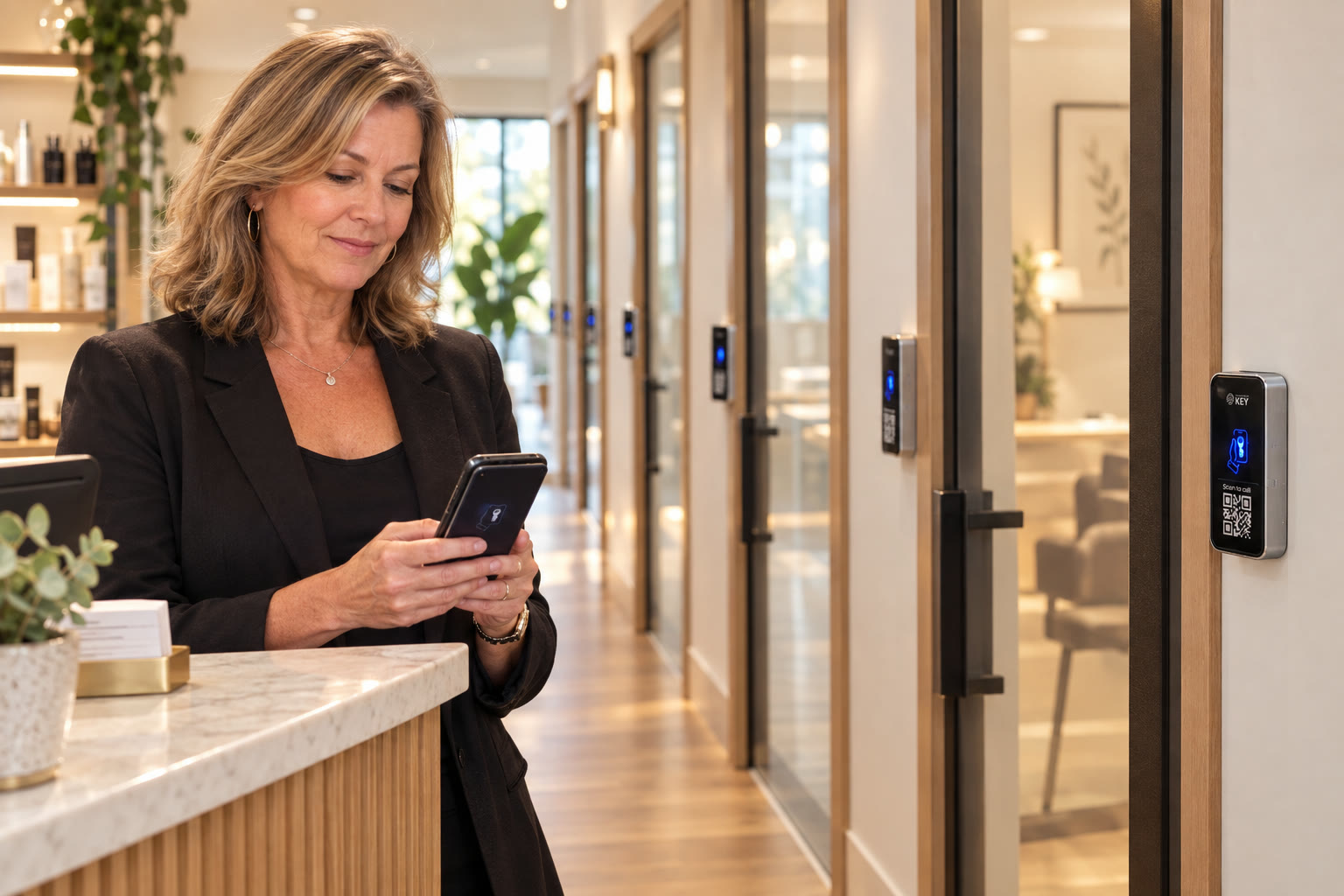
18:30 · Front desk · Owner
A lease ends today.
Include credential withdrawal in the departure checklist. Identify the renter and all relevant openings, apply the intended change and review the administrator record. Ending a rental agreement does not itself establish that every issued permission has been withdrawn.


Map the visit before choosing the key
Who needs which part of the premises?
Use the rental arrangement to build the permission list. The front entrance, a booked studio and a private suite can have different responsibilities.
| Arrival | Route to agree | Operator's decision |
|---|---|---|
| Ongoing suite renter | Approved common entrance and assigned room | Issue a supported personal credential and manage changes |
| Short studio session | Booked space and the agreed approach | Set the guest window and allowed uses for that visit |
| Client appointment | Reception or the host's arrival instructions | Choose a hosted request or another agreed admission procedure |
| Cleaning visit | The rooms included in the work | Confirm permission separately from the renter's own credential |
These are planning examples, not a customer access list or a confirmed booking integration.
Operating separately rented spaces
Keep room access tied to the arrangement you made.
The useful distinction is between the people using a room and the person responsible for changing its permissions.
Shared and private openings
Build a route for each renter
The product describes one credential working across several configured locks. Choose the common entrance and assigned room deliberately, then demonstrate that combination. The proposal must include the equipment and work for each opening, rather than pricing one reader as if it connects an entire corridor.
An independent professional
Let the renter carry their own credential
Discuss a supported Wallet key or the SmartphoneKey NFC-card option. Give the renter instructions for a missing device, a refused arrival and reporting changed access needs. A personal credential should have a clear responsible user instead of becoming a pass shared across clients.
A shorter session
Match permission to the appointment
Use the documented guest dates and use limits for the agreed rental period. Include how to handle an extension or a changed room. Someone operating the premises needs to make that update unless a particular booking-software connection has been separately established.
Arriving clients
Choose how the host receives the request
SmartphoneKey describes a QR visitor-call route. Review it alongside reception coverage and the renter's appointment instructions. Giving a client a way to request admission is a different decision from issuing them a continuing key to the shared property.
Room turnover
Close the old permission before the next handover
Name the person who withdraws the outgoing renter's access and sets up the incoming renter. Confirm the rooms involved and keep the administrator action with the departure record. The lease, invoice and access list should not be assumed to update one another automatically.
Hours of operation
Keep the lock schedule separate from bookings
The documented weekly lock schedule can support the agreed premises hours. Check that the intended guest window and building schedule work together. Changing one appointment does not establish that the entrance schedule has changed, or that assistance is available outside staffed periods.
Read about the supported credential and administration tools
Separate booking records from door records
A credential event cannot settle every room-use question.
Use access interactions to review the reported door event and the administrator audit trail to investigate permission changes. Keep the confirmed booking and handover notes alongside them. An unlock does not establish the session length, the number of accompanying clients or whether a room was left ready for the next renter.
| Reported problem | What to compare |
|---|---|
| The guest reached a different room | Assigned opening, credential permission and the agreed studio |
| The session was extended | Confirmed new period, guest limits and premises hours |
| An outgoing renter remained authorized | Departure instruction, affected doors and administrator change |
Count the openings, then assess the work
A corridor of rooms needs a door-by-door proposal.
Bring the room layout, shared entrance details and the person authorized to approve changes. Each connected opening has its own physical conditions.
Draw the shared-to-private route
Mark the front entrance, corridors and individual rooms in scope. Establish which party controls each opening, especially when a rental operator shares a building entrance with other tenants.
Assess the lock at every selected room
Identify the existing latch and any powered release. Check the proposed electric locking arrangement against the particular door and frame; the condition of one suite does not prove that every other room needs the same work.
Locate supplies and cable routes
Plan suitable power and wiring for the reader and lock equipment. Include access around decorated corridors and occupied treatment rooms so the operator can understand the installation work and interruption.
Walk through client arrival and exit
Discuss reception hours, a host who is already with a client and people unable to use the proposed visitor route. Review how occupants leave at the actual property. Permission settings do not replace those operating decisions.
Check connection coverage along the route
Review the documented Wi-Fi or LTE arrangement at the intended reader positions, including any SIM requirement. Assign responsibility for the connection and ask what happens when a service interruption affects a scheduled renter.
Test two different renters at handover
Demonstrate the agreed common access and distinct rooms, then a limited visit and credential withdrawal. Include training, continuing package charges and the complete hardware scope in the proposal before approving the rollout.
Tell the installer which rooms can be unavailable during work and which must remain in use. Ask for the proposed sequence and cost before committing to installation.
Prepare the rental operation
A clear permission brief makes the equipment proposal useful.
Bring these decisions
- The rooms offered to each renter and the shared route they need to reach them.
- A responsible operator for session changes, replacement credentials and renter departures.
- The client admission and cleaning arrangements that need different permissions.
Verify these dependencies
- Any required calendar, billing or lease connection needs specific confirmation before it enters the offer.
- Permission to alter shared openings, suitable powered locks and an acceptable wiring route must be established.
Before offering connected room access
Questions behind a workable rental handover.
Set expectations for renters, clients and the person administering each visit.
Can the same credential cover the common entrance and one rented room?
SmartphoneKey describes credentials spanning several configured locks. Select the intended common door and assigned room, then test that route with the renter. Each opening needs the assessed hardware and permission setup; a shared entrance controlled by another party needs that party involved.
Does a calendar booking create the room key automatically?
That integration has not been confirmed. The operator creates and maintains the intended guest permission using the documented access tools. Keep a step for issuing the key, checking its window and updating it when the booking changes rather than promising an automatic calendar workflow.
How should clients reach a renter who is already in a session?
Agree arrival instructions with the host, reception cover and an alternative when the host cannot answer. A QR visitor request can be assessed as part of that route. It does not ensure the professional is available or grant the client continuing access to the suite corridor.
Can a cleaner use the same key as the room renter?
Set the cleaner's permission around the assigned work and relevant rooms instead of sharing the renter's credential. This keeps withdrawal and later changes tied to the intended person. Discuss the visit window and how cleaning is coordinated with occupied rooms.
What if a renter needs more time than the guest permission allows?
Have the responsible operator confirm the changed arrangement and review the guest settings and premises schedule. Do not assume extending an invoice or calendar entry changes the door. Tell the renter who to contact before the original permission period ends.
What alternatives are available if a phone or power is unavailable?
Discuss a supported credential alternative such as the product-specific card, assistance for arrivals and the lock behaviour at each assessed opening. A card cannot supply electricity to the reader or powered release. Agree how occupants leave and how scheduled sessions are handled during an interruption.
Does the access record prove the room was used for exactly two hours?
It records access interactions, not the whole session. A credential event cannot establish occupancy duration, accompanying clients or the condition of the room afterward. Compare the relevant event with the confirmed booking and operator notes when reviewing a dispute.
What changes when a long-term renter leaves?
Identify their credentials and all affected doors, arrange the intended withdrawal and confirm the new permission state. Retain the administrator change with the handover record. Any remaining mechanical keys, retained locks or other systems need their own departure process alongside electronic access.
Next step
Start with the rooms and the routes between them.
Bring the layout and rental arrangements. Review every proposed opening, the installation sequence, continuing charges and the operator handover before agreeing the work.
Request a door checkCompare the opening-by-opening room scope
Ask for the shared entrance and each proposed suite door to be identified independently, including retained locks, new releases, reader positions, low-voltage supply and wiring routes. Clarify any work through finished rooms and how property approval will be obtained. Keep credential administration, handover and continuing connection or package charges in the same proposal. For each renter, define the common approach and the authorized private room rather than treating the premises as one unrestricted zone. Automatic creation of guest keys from a booking calendar has not been confirmed and must not be assumed in the operating plan.
For the Toronto or GTA site discussion, explain the periods when clients arrive, whether reception is shared and who can open each room for assessment. Identify any renter whose room is outside the initial phase. Work timing, temporary arrival arrangements and possible disruption depend on the inspected installation route. The proposal should explain those details before management announces a change to renters or their clients.