
Condos & buildings · Toronto & GTA
Residents tap in. Visitors call up.
Bring resident credentials, visitor calls and move-day changes into one building access plan. Start with the shared entrance, the people authorized to manage it and the hardware already serving your residents.
Resident arrival planning
Start with the common door and its manager.
Tell us which shared doors are in scope and who manages resident access. Include the existing entry equipment so the proposal can distinguish retained hardware from replacement work.
Identify the common doors
Bring the responsible management contact and equipment details.
Walk the resident route
Assess credentials, visitor calls and the shared entrance.
Prepare the changeover
Agree the installed scope and resident administration.
In short
What is phone access for a condo entrance?
For property managers, condo boards and building owners
A condo access system checks an issued credential at an authorized building entrance. SmartphoneKey supports documented Wallet keys and its NFC cards; a QR visitor-call route can connect an arrival with the intended recipient. Management maintains the people and permissions. The proposed installation must account for the common door, powered locking equipment, resident needs and the separate approval required for any suite-door work.
At the door
Coming home. Receiving a visitor. Changing residents.
-
17:40 · Lobby door · Resident
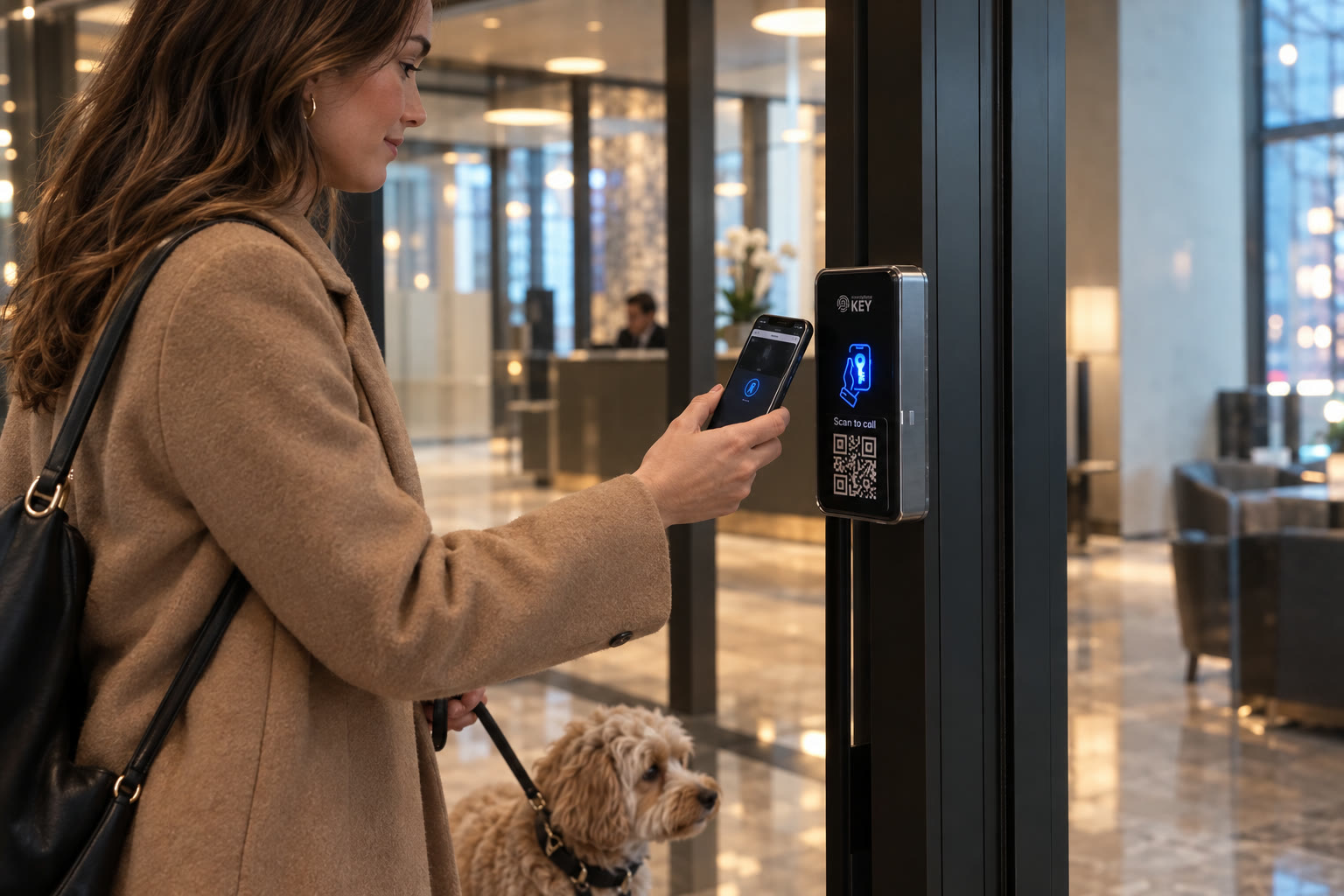
Residents tap in, dog and all.
Show residents how their supported Wallet credential works at the designated reader. Include product-specific cards in the credential plan and explain how to report a lost device or denied arrival. The entrance instructions should serve residents who use different credential types.
-
19:05 · Main entrance · Visitor call
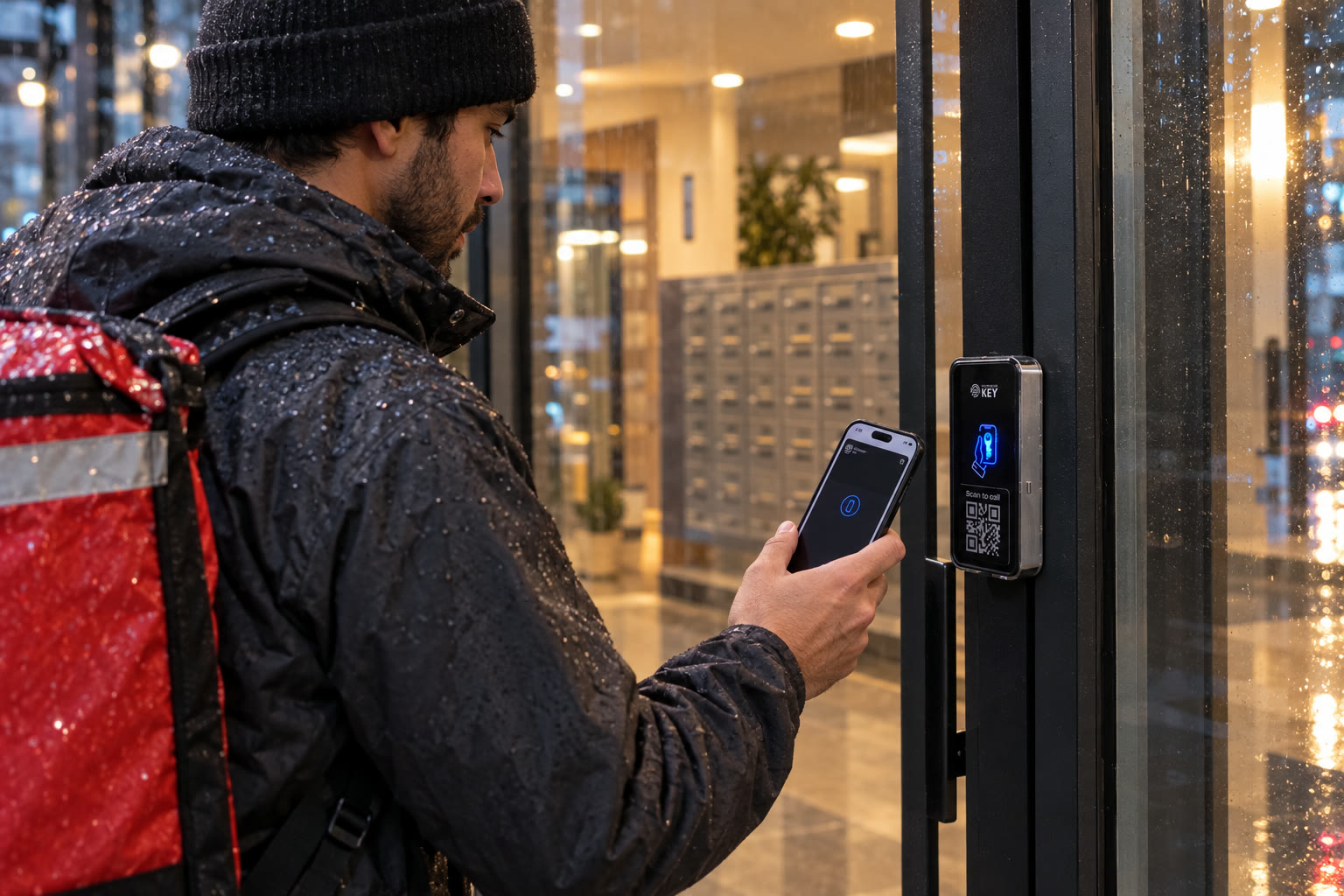
Deliveries at the door.
Agree the delivery route before replacing a visitor panel. A QR call can help an arrival request entry; the resident, concierge or other responsible recipient still makes the admission decision. Establish an alternative procedure for a visitor who cannot use that phone-based route.
-
09:00 · Moving day · Manager
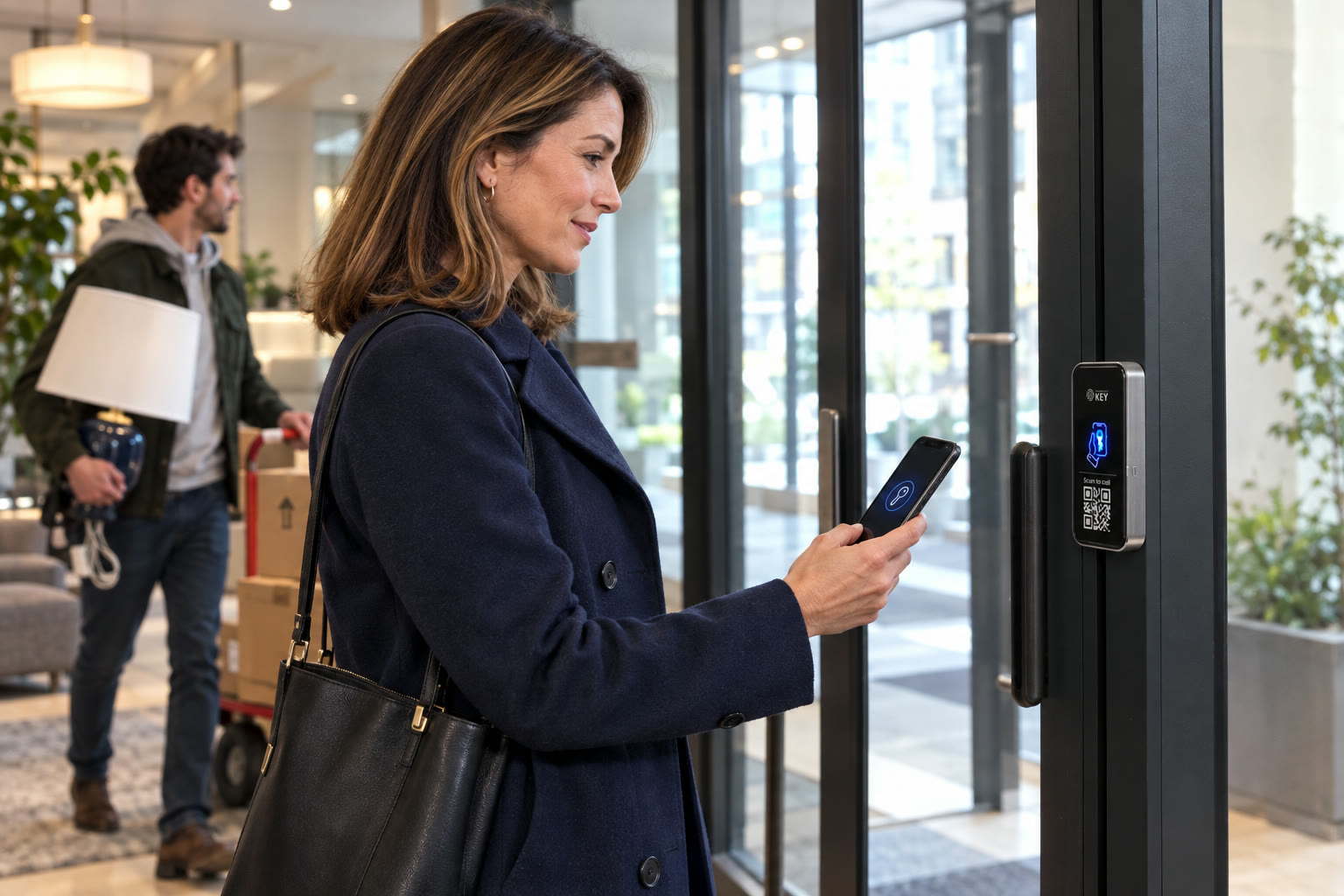
Make move-out a permission change.
Assign the outgoing resident update to an authorized administrator. Confirm the affected credentials and shared openings, apply the change and record the handover. A tenancy or ownership change does not itself prove that an access record has been updated.


Who gets which key
Separate resident, visitor and management permissions.
These roles illustrate the permission decisions to make with management. Confirm the doors and credential arrangement for each group rather than issuing one common pass.
- ResidentWallet keyApproved shared doors
- VisitorQR intercomScan the code to call
- ContractorGuest keyAgreed visit window
- Property managerLocal adminAssigned site responsibilities
Illustrative permission roles; suite access and shared-door authority are assessed separately.
Building administration
Plan the work behind the resident list.
The equipment is one part of a building entry service. Agree who maintains permissions, receives visitor requests and reviews changes after a move.
Resident onboarding
Issue a credential with arrival instructions
Include the approved common entrances, supported phone or SmartphoneKey card and assistance contact in the resident handover. Permission for the lobby does not imply permission for a private suite, storage area or another controlled opening.
Move-day changes
Keep the directory connected to management decisions
The documented directory can help find people by unit and other details. Decide who verifies the resident information and who acts on a move-out notice. Reconcile that decision with issued credentials instead of treating a unit list as an automatic access update.
Initial population
Agree the import and the checking process
Bulk import is described for larger packages. Confirm package eligibility, accepted file details and who reviews the source list before loading residents. Importing records and correctly assigning door permissions are related tasks that both need an owner.
Visitor arrangements
Decide who receives each entrance request
Review QR calling in the context of concierge coverage, resident availability and delivery procedures. Explain the intended recipient and the alternative route when a call cannot be completed. A visitor invitation does not guarantee somebody will answer.
Local responsibility
Define the superintendent's administration role
SmartphoneKey describes local site administration and credential allocation. Confirm the responsibilities assigned to the building manager or superintendent and demonstrate the routine during handover. Plan who covers an absence without relying on informal credential sharing.
Several properties
Keep each building's boundaries visible
The product organizes sites and buildings in its portal. Document which entrances and people belong to each managed property. Check the proposed administrator scope before assuming that responsibility for one building includes another.
Resident records and door events
Ask what the record can establish.
An access event can help investigate a credential interaction. The administrator audit trail addresses a different question: who changed a permission. Neither proves that every person passing through the entrance presented their own credential. Agree the review purpose, responsible people and resident information handling before using these records.
| Question | Record to review |
|---|---|
| A resident reports a refused arrival | The intended door permission and relevant access event |
| A credential remained after a move | The move-out instruction and administrator change trail |
| A delivery reached the wrong recipient | The configured visitor route and the building's delivery procedure |
Assess the common entrance
Bring management and the existing door details.
Photographs help begin the discussion, but the shared entrance needs an assessment of its actual equipment, installation route and operating requirements.
Establish the approving party
Identify the board, owner or management contact responsible for the common door and related equipment. Residents can describe a problem without assuming they may authorize changes to shared property or their own suite entrance.
Inventory existing entry hardware
Record the lock, reader, visitor panel and controller already in service. Assess which components may be retained. A familiar fob or a working old buzzer does not establish compatibility with a replacement system.
Trace the supply and wiring
Determine the appropriate power arrangement and the route to the proposed reader and powered lock. Include access to service areas and work around glazing or lobby finishes in the installation proposal.
Review arrivals and leaving
Walk through resident entry, visitor requests and the way occupants leave. Discuss assistance for people unable to use the proposed credential or visitor route. Confirm the actual exit arrangement at the property.
Assign connection responsibility
Evaluate the reader location for the documented Wi-Fi or LTE arrangement and any SIM requirement. Identify who maintains the connection and how management will respond to a reported service interruption.
Plan the resident transition
Agree how residents learn about the new entry route, how credentials are issued and what happens during the physical work. Put equipment scope, continuing charges and management training in the proposal before approval.
Keep common-door authorization separate from individual suite requests. Bring the responsible property contact into any proposal affecting shared equipment.
Prepare a building brief
Resolve responsibilities before choosing the reader.
Useful starting information
- The common entrances in scope and the party authorized to approve the work.
- How resident changes, contractors and visitor calls are managed today.
- A named contact for resident credentials, installation access and ongoing administration.
Dependencies to settle
- Any requirement to retain old fobs, visitor equipment or another manufacturer's controller needs a compatibility assessment.
- Property-management software synchronization and alternative visitor arrangements must be verified for the intended operation.
Questions for the building decision
Give management the details behind the proposal.
Clarify credentials, resident changes and the limits of the proposed entrance service before approving equipment.
Will our existing resident fobs keep working?
Treat existing fobs and cards as equipment to identify, not as a promised carry-over. SmartphoneKey documents its own NFC-card option alongside supported Wallet credentials. Assess the installed reader, controller and credential types before deciding what can remain in service.
Can a resident request a change to the lobby reader?
A resident can explain the arrival problem and introduce the relevant management contact. Authorization for shared entrance equipment belongs with the responsible property party. Establish that approval before committing to the installation; suite-door permission also needs to be checked for the particular property.
What happens when a visitor cannot scan a QR code?
Agree an alternative contact or staffed arrival procedure with management. The documented QR route uses the visitor phone to request entry, so it should be assessed alongside the needs of actual visitors. The reader by itself does not create concierge coverage or guarantee that a resident answers.
How should management handle a move-out?
Identify the departing resident and affected credentials, give the update to the authorized administrator and check the resulting permissions. Keep that step in the move-out procedure. An ownership or tenancy record change has not been established as an automatic update to SmartphoneKey.
Does the activity record show everyone who entered?
It describes recorded access interactions, while administrator actions have a separate audit trail. Somebody following another person through may not present a credential. Use the available record for the question it can answer rather than treating it as a complete list of every physical arrival.
Can residents enter with a flat phone or during a power failure?
Plan the alternatives at the assessed entrance. A product-specific card may provide another credential, but it does not power an electric lock. Discuss phone availability, the actual supply and lock behaviour, assistance and how occupants leave. No universal battery or outage guarantee is made here.
Can we load a large resident list before the changeover?
Bulk import is documented for larger packages. Confirm that the selected package supports the intended file and population, then assign someone to check the records and proposed door permissions. Plan resident instructions and credential distribution as part of that changeover.
What should the installation proposal explain to the board?
Ask for the doors and equipment included, retained components, physical work and planned interruption. Include credential quantities, package or connection charges and who will train the building administrator. Those details let the approving party assess the installed scope without relying on an invented starting price.
Next step
Start with the shared entrance and its decision-maker.
Bring the existing equipment details and resident arrival requirements. Review the assessed work, continuing costs and management handover before approving the change.
Request a door checkPut the resident transition in the proposal
Compare the door work and the operating change together. Ask which existing releases, readers and visitor equipment remain, and which are replaced or kept as separate systems. Include wiring, supply, connection requirements and any affected finishes. Management also needs a defined approach to issuing credentials, explaining visitor arrival and handling households that use the supported card option. Record the continuing service or connection charges and the administrator handover. Existing resident fobs are not confirmed compatible merely because the proposal also includes NFC cards.
Identify the Toronto or GTA property and the contact who can provide access to the lobby and relevant service spaces. Arrange the site discussion with management and maintenance rather than assuming a resident can authorize common-door work. Ask how any installation interruption and credential changeover would be communicated. The assessment establishes the proposal; this page does not reserve an appointment or promise a conversion date.