
How it works · Installation
Plan the entrance work. Practise the first arrival.
A working entrance needs more than a mounted reader. Understand the proposed door work, account setup and administrator handover before you agree to installation.
Prepare the installation conversation
Describe the opening and the work you can approve.
Describe what is on the door now and what must remain available during the work. Include the person who can approve changes, provide site access and take over credential management.
Show the entrance today
Bring photographs and the existing locking details.
Define the installation work
Assess equipment, electrical supply and the cable route.
Agree the demonstration
Include credential issue, withdrawal and the proposed cost.
The installation sequence
What happens between the first survey and everyday use?
Establish the opening and the approval
Identify the exact door, its present lock and the person responsible for authorizing work. Describe the arrival problem and any shared-building boundary. Photographs can start the discussion, but the physical assessment determines the proposed equipment and installation scope.
Agree the work before arranging it
Review what is retained, what is added and how the supply and wiring reach the opening. Ask about access to service areas, interruption and finishing work. Include package or connection charges in the proposal so the decision covers the complete arrangement.
Fit and connect the selected equipment
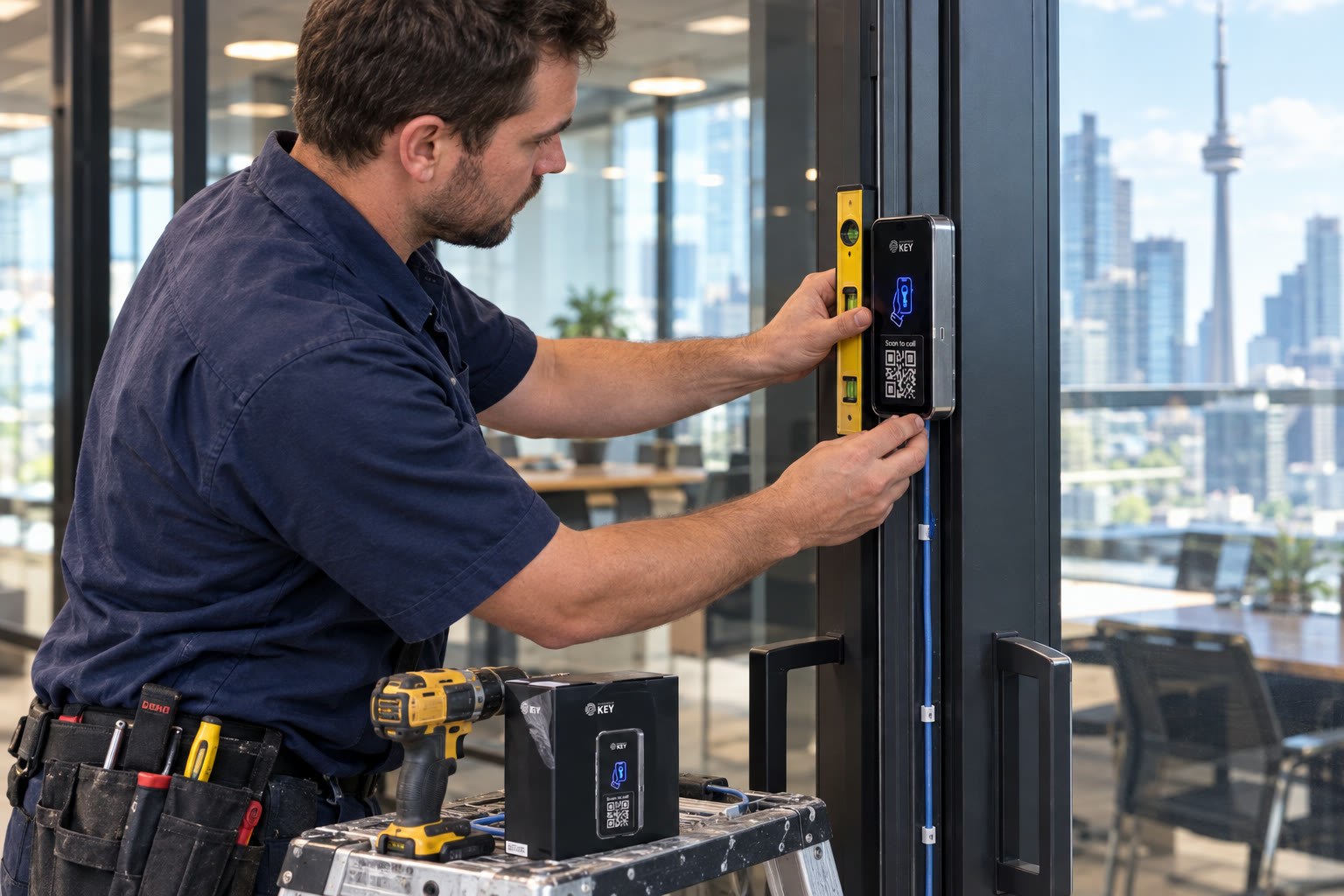
The installation brings the reader together with suitable powered locking hardware and the assessed exit arrangement. The particular door and frame determine the work. A reader fixed to a wall alone does not establish that the lock, supply and way out are ready.
Set up ownership and first permissions
The documented setup registers the lock to an account and establishes administration in the portal. Confirm the responsible owner and intended users before issuing credentials. Product-specific cards and guest permissions can be discussed alongside supported Wallet keys.
Demonstrate the routine you will maintain
Walk through an intended arrival, a permission change and withdrawal of a test credential. Ask the administrator to explain the agreed assistance and interruption procedure. The handover should leave the responsible team able to manage the next change, not just observe a single successful opening.
The reader within the installation
Separate the supplied kit from the work at your property.
The film couldn’t load here.
- Reader supply
- The documented reader specification is 12–24 V DC. The assessment must establish an appropriate supply for the selected reader and locking equipment.
- Release connection
- The built-in relay operates suitable electric locking hardware. Compatibility and the actual release arrangement need checking at the opening.
- Inside control
- The listed kit includes an exit button. Its presence does not establish the complete exit arrangement required at a particular property.
- Connection choice
- Discuss the Wi-Fi model or the documented LTE option and its SIM requirement at the intended reader position. Assign responsibility for that connection after installation.
Listed kit contents Reader and backplate, exit button and backplate, wall-mount kit, hidden-bolt screwdriver and two QR stickers. Confirm the selected package; a suitable electric lock, site supply and wiring work belong in the assessed proposal.
Prepare for the assessment
Bring the details that determine the installation.
The useful starting point is an accurate picture of the opening, the work you can approve and the operating routine you need to preserve.
Record the existing hardware
Photograph the latch, frame and any current reader or visitor panel. Identify the equipment if possible. The installer needs to assess retention separately from the decision to add phone credentials.
Arrange access to the work area
Name the contact who can open service spaces and authorize work near finished surfaces. Explain whether the door serves an occupied workplace, shared lobby or private home so interruption can be discussed in context.
Discuss the electrical route
Locate the proposed supply and how cables could reach the equipment. An existing mechanical keyway does not provide electrical power. Include the physical installation route when comparing proposals.
Explain ordinary arrival and exit
Describe who arrives, which openings they use and how occupants leave. Discuss phone availability and anyone needing another credential or assistance. Review the specific lock behaviour during a supply interruption.
Bring the connection contact
Identify who can discuss the intended Wi-Fi or LTE arrangement. Coverage at a nearby desk does not establish the conditions at the proposed reader. Ask about ongoing connection requirements and responsibilities.
Choose the handover administrator
Make time for the person who will maintain credentials to learn the agreed routine. Prepare a first user, a limited visit and a departure scenario. Include continuing charges and what support is actually offered in the proposal.
Ownership after the physical work
Know which actions belong to the owner and the administrator.
Temporary installer permission
Review the locks and period being requested
The product describes owner-approved temporary installer access. Confirm which equipment and purpose the request covers. Installing the reader does not mean an installer should be assumed to hold continuing authority over every later change.
Connection awareness
Understand status before relying on a changed key
SmartphoneKey describes lock online/offline status and pending key delivery when a lock is unavailable. A portal instruction is not the same observation as a credential demonstrated at the entrance. Include that distinction when discussing the handover and interruption procedure.
A change you can repeat
Practise withdrawal as well as issuance
Have the responsible administrator identify and withdraw the intended credential, then review the change. Guest dates and use limits also need to match the visit being authorized. Training should address the next departure or cancelled visit, not just the first invitation.
The question behind a record
Distinguish an arrival from an administrator action
Use activity records for recorded access interactions and the audit trail for permission changes. Confirm who may review those records for the installation. Neither record alone establishes every physical entry or what happened inside the property.
Before approving the work
Questions that make the installation proposal clear.
Use these points to compare the physical work, account responsibilities and the routine being handed over.
What should I have ready before requesting an assessment?
Start with photographs of the entrance and existing lock, the location and the responsible property contact. Explain who needs access and what must remain usable during the work. Identify any shared equipment or service spaces another party controls.
Does the reader kit include the whole installed entrance?
The listed reader kit and the completed site installation are different scopes. Check the selected package contents, then ask the proposal to identify suitable locking hardware, electrical supply, cable work and any retained components. Include configuration and handover responsibilities.
Can the current powered lock be reused?
It may be a candidate for retention, but the existing label or a successful old fob does not settle compatibility. Have the opening, release arrangement and selected reader assessed together. The proposal should state what remains and what changes.
How can we plan the interruption to the entrance?
Describe the periods when the opening must serve residents, staff or visitors. Ask for the proposed work sequence, access requirements and any temporary arrangement. Physical condition and the installation route determine the work; no fixed completion time is promised on this page.
What if the chosen reader location has no suitable Wi-Fi?
Discuss the documented LTE model and its SIM requirements as part of the assessment. Confirm the intended connection at that position and who maintains it. A model option alone does not establish coverage, ongoing service or the final installed scope.
What should happen before the first real credentials are issued?
Establish the intended account owner, responsible administrator and permission list. Review the agreed doors and credential options, then demonstrate the relevant arrival. Include how a limited visit is changed or withdrawn so administration can continue after the installer leaves.
What should the handover cover for a flat phone or lost supply?
Ask about the actual entrance, approved alternative credentials, assistance and how people leave. A card may provide another credential but cannot power the reader or release. Have the selected hardware behaviour and any proposed backup explained for this installation.
Does an installer keep permission to change the lock afterward?
The product describes temporary installer access requested for particular locks and approved by the owner. Review the proposed scope and period. Confirm who is responsible for later administration and support rather than assuming installation creates unrestricted ongoing authority.
Next step
Bring the existing door and the people responsible for it.
Review the assessed installation and the handover you need. Confirm equipment, interruption, continuing charges and the proposed timing before accepting the work.
Request a door checkWork and handover in the same proposal
Record what stays, what is fitted, the supply and cable route, access to work areas and the proposed interruption. Include account ownership, an administrator demonstration and continuing charges before agreeing to the installation.
Confirm the Toronto or GTA site, approving contact and assessment availability before setting an installation date.