
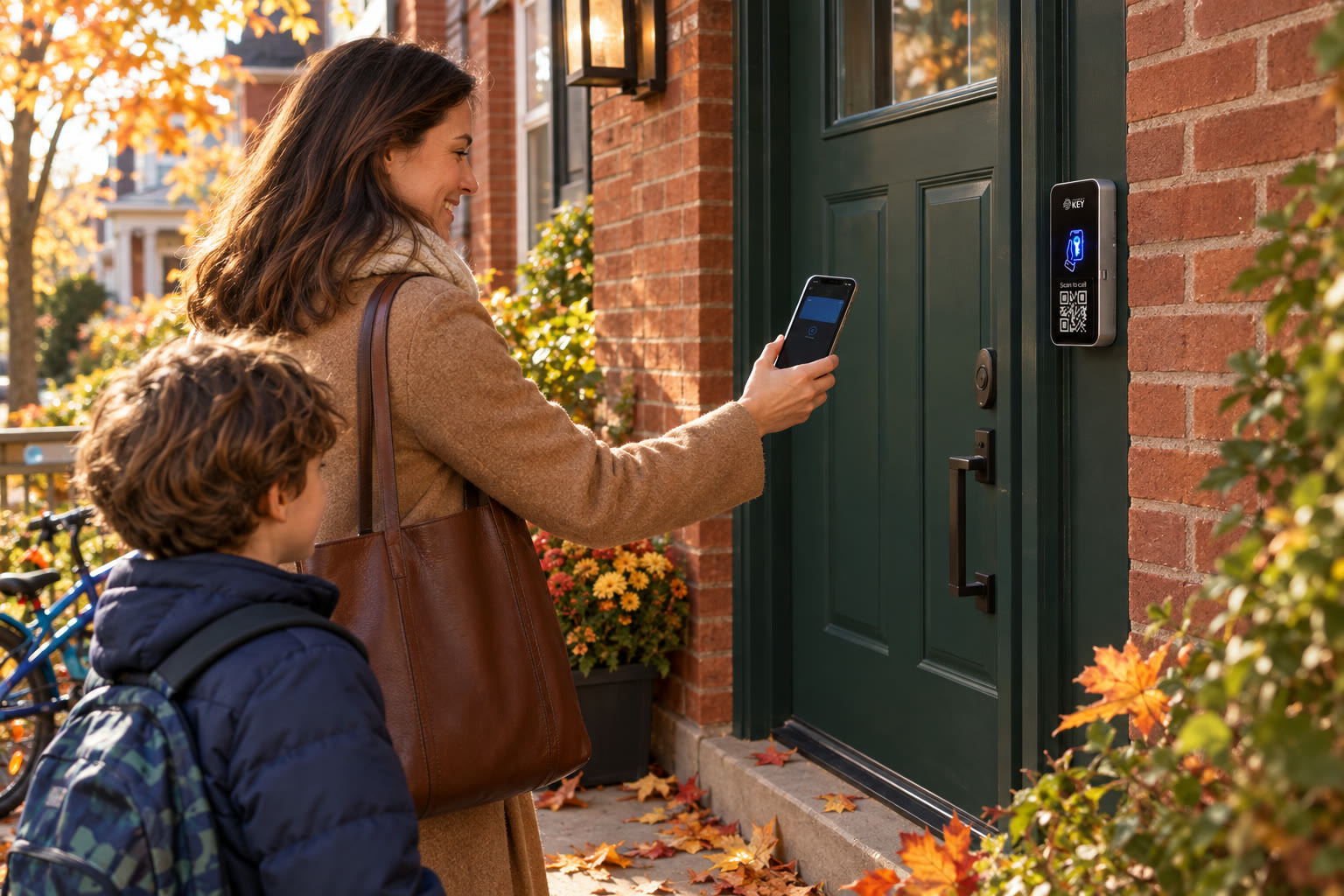
Homes · Toronto & GTA
Your family taps in. Guest keys end on time.
Keep everyday keys with the household and give each helper the access their visit needs. SmartphoneKey brings phone credentials to a suitable powered entrance; the first step is finding out what your front door would need.
Household entrance discussion
Describe the door your household uses.
Tell us about the front door and who needs to use it. Explain whether it currently takes a mechanical key, has a powered release or belongs to a shared property.
Describe the household
Include relatives, helpers and your current front-door lock.
Look at the entrance
Assess power, wiring and a practical fallback.
Review the home proposal
Confirm physical work, guest-key handover and ongoing charges.
In short
What is phone door access for a house?
For homeowners and families
Phone access for a house combines a supported Wallet credential, a reader and suitable electrically operated locking hardware. The household decides who may enter; guests can receive permissions with defined dates or uses. SmartphoneKey also documents its NFC-card option. This is an assessed entrance installation, so the existing latch, electrical supply and route for wiring matter as much as the phone you carry.
At the door
An ordinary day, with a different key for each visit.
-
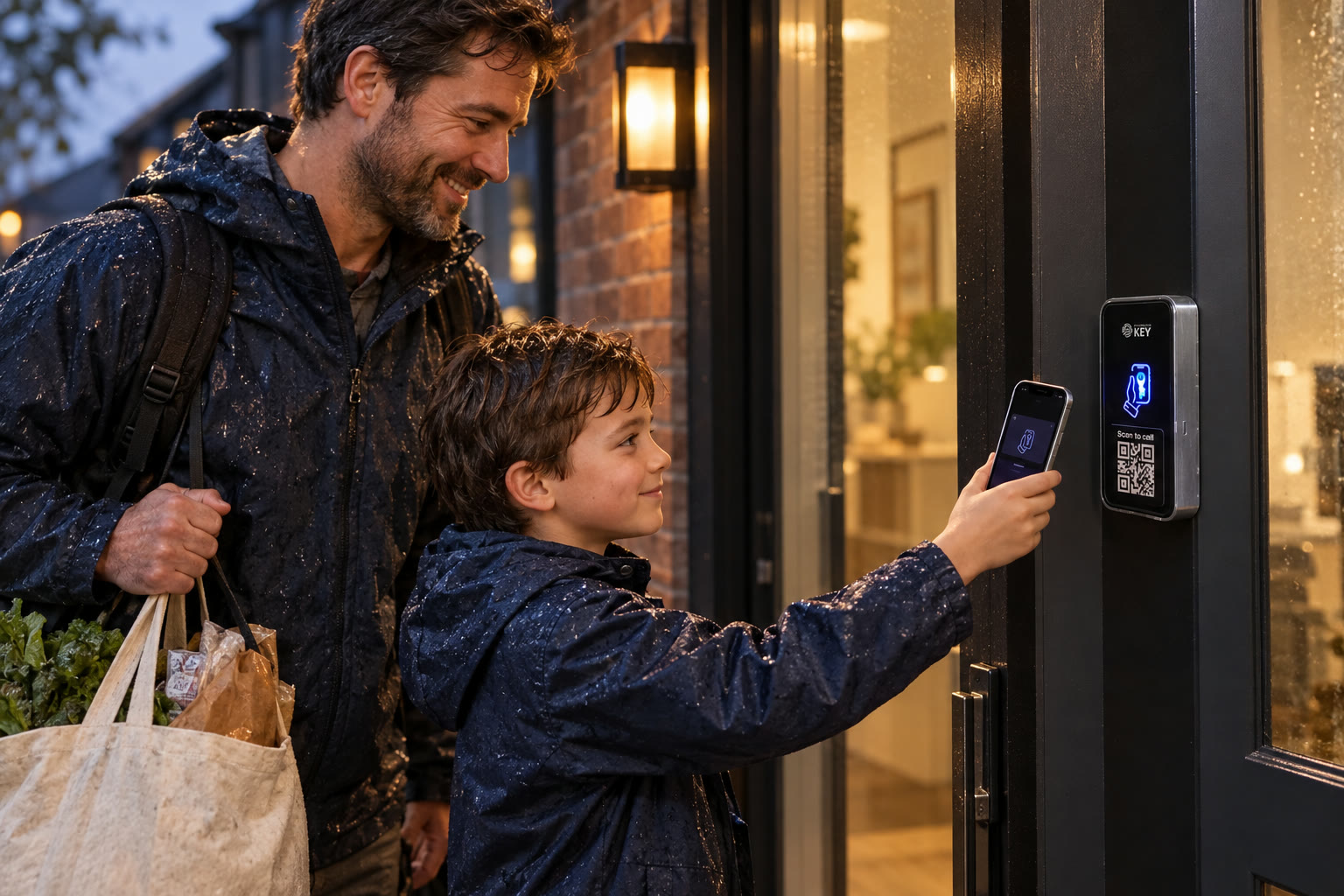
17:45 · Front door · Family
Home in the rain, hands full.
Set up a supported Wallet credential for each intended household user and show them where to present it. Walk through the fallback before it is needed: who can help when a phone is unavailable, and which alternative the assessed entrance supports.
-
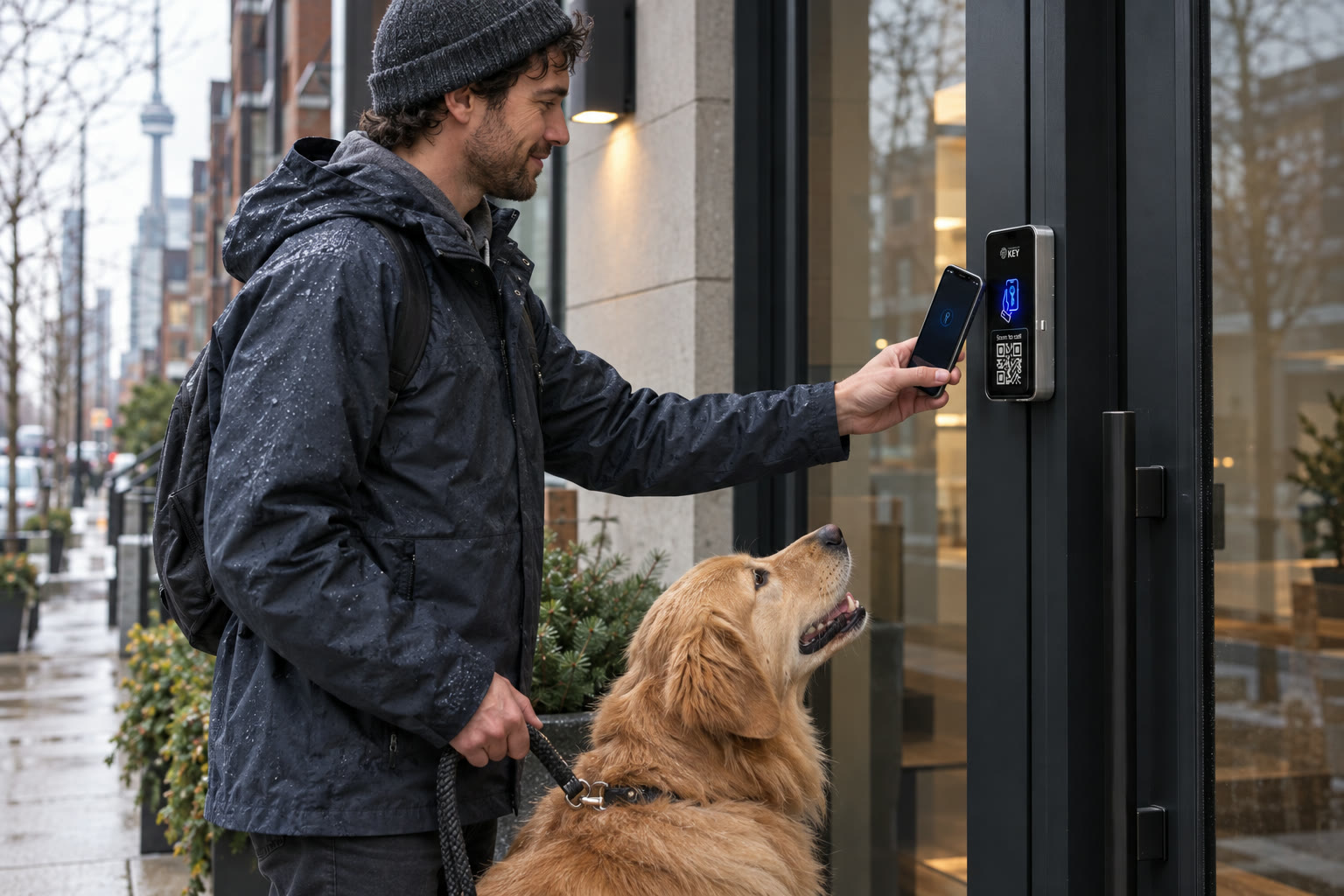
12:30 · Front door · Dog walker
The dog walker’s key.
Give the walker permission for the agreed visit period instead of handing over a permanent household credential. Check the selected dates and allowed uses. If plans change, update or withdraw that permission and tell the visitor how to contact you.
-
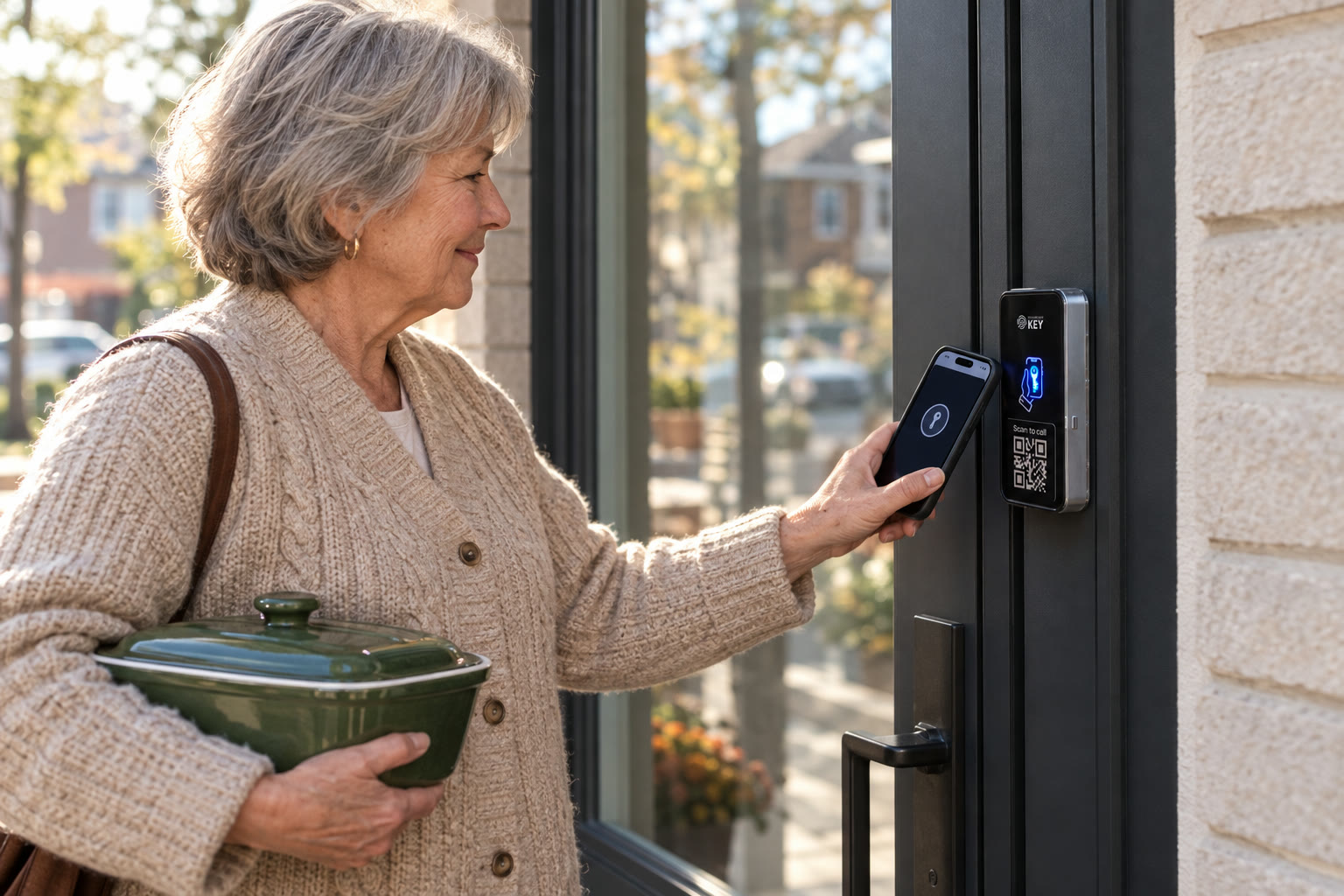
16:20 · Front door · Grandparent
A key for grandma, too.
Choose the credential your relative can comfortably use: a supported phone key or the product-specific card. Explain the arrival routine in person. Keep access to the home and the separate arrangements for collecting children, deliveries or care visits clear.


Who gets which key
Household keys and temporary visits serve different needs.
Start with who lives here, who visits regularly and who needs a single appointment. Use these examples to discuss the permission, then check the actual credential settings during handover.
- FamilyWallet keyWorks until you remove it
- Dog walkerGuest keyAgreed start and end dates
- GrandparentKey cardNo phone needed
- PlumberOne-use keyOpens once, then spent
Illustrative household roles and visit arrangements, not a record from a customer home.
Living with the new entrance
Make everyday access easier to manage.
Choose the credential around the person and the permission around the visit. Keep the practical household routine simple enough that everyone knows what to do.
Coming home
A personal credential for each household member
The documented phone approach uses Apple Wallet or Google Wallet at the reader. Confirm the supported device and show each person the arrival routine. Giving someone their own credential also gives you a particular permission to review when their access needs change.
Visits with an end
Agree the guest window before sharing it
Set the start, end and permitted uses to suit the intended appointment. Check those settings against the arrangement with your sitter or helper. A timed credential controls the permission period; it does not book the visit or notify a person of a changed plan for you.
A repair appointment
Discuss a limited-use credential
SmartphoneKey describes one-use guest keys. Decide whether that fits the tradesperson's visit, including any need to leave and return for equipment. Keep your contact and admission instructions with the appointment so an exhausted permission does not leave the next step unclear.
A different way to carry a key
Include cards in the household discussion
A SmartphoneKey NFC card can serve someone who prefers a physical credential. Explain how to report a missing card and who can revoke it. The card changes what the person carries; the proposed electric locking equipment still needs its assessed power arrangement.
Changing the guest list
Keep one responsible household administrator
Know who can issue and remove credentials in the portal. When a helper finishes, review their access rather than assuming the calendar appointment did the update. Demonstrate the change during handover so the owner can manage later visits with confidence.
Other home devices
Check the particular smart-home requirement
The product materials describe Matter capabilities. Bring the names and intended role of your existing hubs or devices to the assessment. Support for a standard alone does not confirm that a chosen lock, hub and household automation will work together in the way you expect.
Look through the product options before your door assessment
Checking a reported visit
Understand a door event without guessing the whole story.
The activity record helps review recorded credential interactions. Administrator changes belong to the separate audit trail. Neither tells you everything that happened inside the home or proves who accompanied the person at the entrance. Use the record with the visitor's account when a question arises.
| Reported situation | Useful next check |
|---|---|
| A helper arrived outside the agreed window | The appointment, guest settings and relevant access interaction |
| A relative lost their card | Which credential to withdraw and how to arrange the next arrival |
| The permission changed unexpectedly | The administrator action and the household's intended arrangement |
Your existing front door comes first
Find out what the entrance needs before choosing phone keys.
A reader does not turn an ordinary latch into an electric release by itself. The assessment connects the way you want to arrive with the physical work the house needs.
Look at the door and frame
Identify the current latch, lock and door condition. Discuss the suitable powered locking arrangement and any work to the frame, rather than assuming the visible reader is the complete installation.
Locate the electrical supply
The reader and electric lock need an appropriate supply. Assess where it can be provided and what the actual lock will do when power is unavailable. Decide the fallback before treating phone entry as the household's everyday route.
Agree the wiring and finish
Walk through how cable would reach the entrance. Include the porch, finished walls and proposed equipment positions in the scope so the owner understands the physical work before accepting the proposal.
Try the household arrival and exit
Discuss who uses the entrance and how occupants leave. Include children, relatives and anyone who needs help with a credential. Confirm the particular exit arrangement rather than assuming one accessory answers every household need.
Test the connection at the reader position
Review the intended Wi-Fi coverage or the documented LTE option and SIM requirements. Ask who will maintain the connection and what support or fallback is proposed if it is unavailable.
Confirm approval and handover
For a rented or shared property, establish permission for the proposed changes. Ask the installer to include equipment, physical work, ongoing charges and a demonstration of issuing and withdrawing a guest key in the proposal.
Bring a photograph of the door and its current lock to begin the conversation. The proposal should explain the complete installed arrangement and its cost before any work is agreed.
Decide whether the arrangement suits home life
Start with the people who need your door.
Bring these needs to the assessment
- Separate access for the household and the people visiting to help.
- A practical choice between supported phone credentials and product-specific cards.
- A clear end to a guest permission and someone able to manage later changes.
Settle these dependencies first
- A powered-lock installation needs a suitable supply and an acceptable wiring route.
- Required smart-home connections and property permissions need checking for the actual house.
Before changing the front door
Answers for the way your household uses home.
Discuss visitors, relatives and the entrance work together so the proposed setup fits an ordinary day.
Is this the same as replacing a battery deadbolt myself?
The proposed SmartphoneKey arrangement uses a reader with suitable electric locking hardware. The assessment determines the supply, wiring and door work. Bring the existing lock details so you can compare a complete installed proposal with the kind of replacement you originally had in mind.
Can my parent use a card instead of a smartphone?
The product documents its NFC-card option. Confirm how that card will be issued and used at the assessed entrance, then show the relative what to do if it is lost or refused. A familiar physical credential can be part of the household plan without assuming every existing card is compatible.
What should I do before giving a sitter temporary access?
Check the agreed dates, intended entrance and permitted uses in the guest settings. Give the sitter the arrival instructions and a contact for help. If the visit changes, review the permission as well as the appointment; access control does not coordinate childcare arrangements.
Will my phone open the door after its battery runs out?
Do not rely on that assumption. Discuss an approved alternative credential and an assistance route for the household. The reader and electric release also depend on the assessed power arrangement, so a second credential and an outage plan solve different problems.
Can a repair person leave for parts and come back?
Choose guest limits around the visit you intend to authorize. A one-use credential is described as spent after its allowed opening, so do not assume it permits unlimited return trips. Agree the appropriate permission and contact arrangements before the repair appointment.
Will it connect to the smart-home equipment I already own?
SmartphoneKey describes Matter support, but the specific devices and intended behaviour still need to be checked. Share the model details and the task you want the equipment to perform. A product-standard label alone is not proof that the complete setup meets that requirement.
Does a recorded unlock prove who was inside the house?
A recorded credential interaction can support a question about the door. It does not establish who accompanied a visitor, how long they stayed or what happened indoors. Review the relevant event alongside what the person reports and use the administrator trail for permission changes.
What information helps make the first proposal useful?
Describe the entrance, present lock, people needing access and any work you want to avoid around finished surfaces. Include property approval needs and the smart-home connections you require. Ask for installation scope, continuing charges, interruption and handover to be explained before accepting the work.
Next step
Plan your next arrival around the door you have.
Tell us how the household and its visitors use the entrance. Review the lock work, electrical needs, continuing charges and key handover before deciding on installation.
Request a door checkUnderstand the home installation as a whole
Compare the proposed reader, appropriate locking hardware, supply and cabling as an installed entrance rather than a standalone gadget purchase. Ask which existing components remain and what work affects the frame, wall or finished surface. Include the connection requirement, supported household credentials and any continuing service charges. Explain who maintains permissions when a phone is replaced or a visitor no longer needs entry. If a particular smart-home connection matters, name the intended device and arrangement for verification; a general standards label is not proof that every existing product will work together.
Identify the Toronto or GTA location and the person able to approve the proposed work. Explain which entrance occupants depend on and how access to the assessment areas can be arranged. Ask about assistance and actual fallback entry for this door, including an unavailable phone or an interruption to the selected equipment. The site discussion establishes suitability and work timing; this form does not book a visit or promise a same-day installation.