
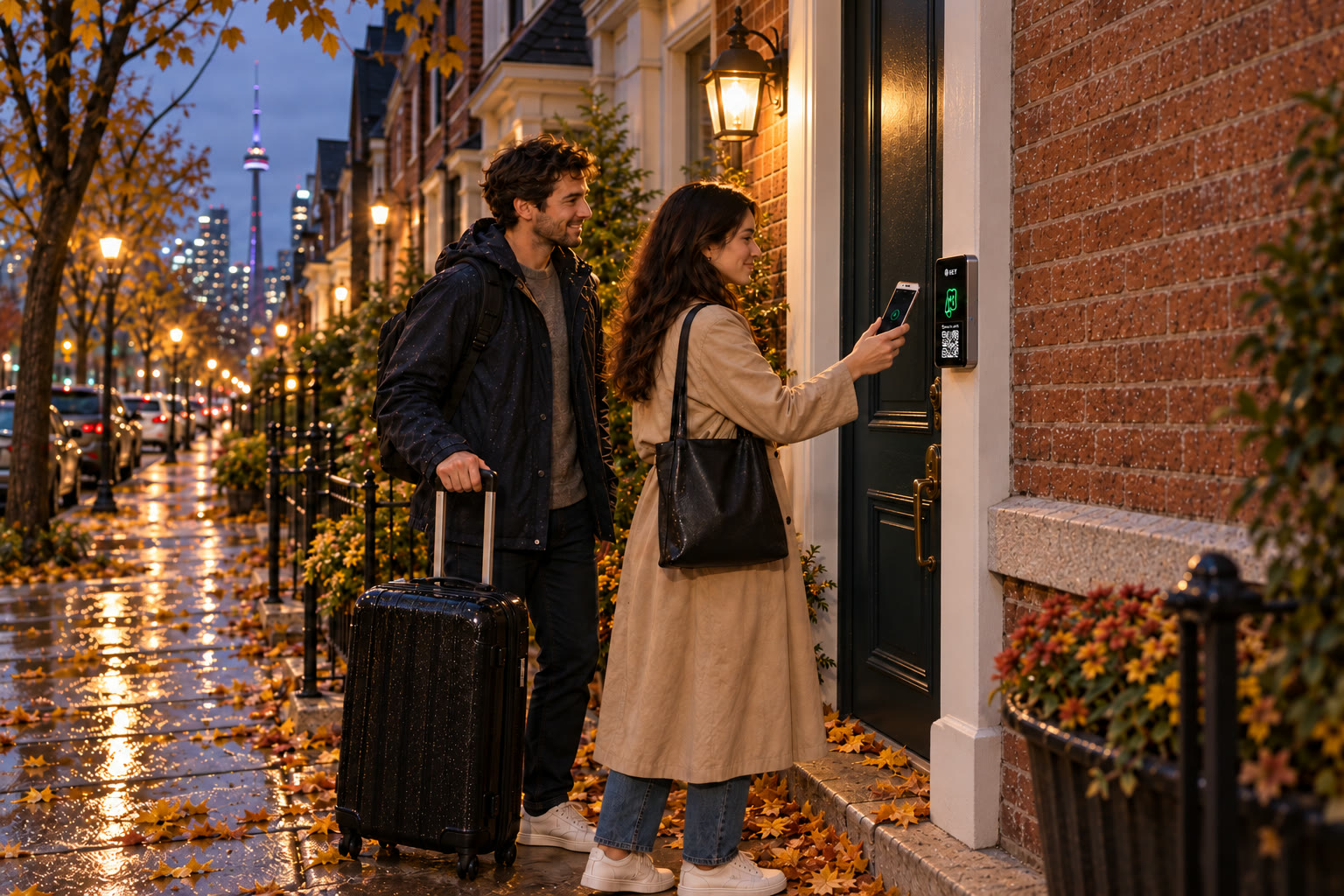
Airbnb smart lock planning · Toronto and GTA
Your listing promises. Your entrance must deliver.
Compare an Airbnb smart lock by the arrival experience you can truthfully explain. The host’s message, guest credential and assessed door need to describe the same arrangement.
Check the arrival you describe to guests
What should a first-time guest do at this entrance?
Explain your current check-in instructions and the entrance you control. Mention any shared lobby or other door on the guest route.
Explain guest check-in
Describe the accommodation and who issues each credential.
Assess the arrival door
Review phone alternatives, hardware and host assistance.
Prepare your next turnover
Agree withdrawal, cleaner permissions and installed costs.
Start with the promise to the guest
Write an arrival message that the equipment can support.
A platform name is not an integration specification. SmartphoneKey’s documented timed guest keys can support a host-managed arrival process, but an automatic Airbnb calendar connection has not been established.
Identify the correct opening
Give the guest a clear way to recognize the entrance and the reader they should use. If a managed lobby comes first, explain that part of the route separately. Confirm that you may grant the required access before including it in the listing’s instructions.
Name the supported credential
Tell the guest what they will receive and how it should be presented. Do not borrow a fingerprint or keypad-code description from another smart-lock brand. Establish the supported guest method, device requirements and instructions for the proposed configuration.
State who handles a changed arrival
A late arrival, cancelled stay or extra night creates a permission decision. Give that job to the host or agreed co-host and make sure they can receive the change. A reservation update by itself is not evidence that an unrelated door system received it.
Illustrative hosting scenarios
Decide before someone is waiting outside.
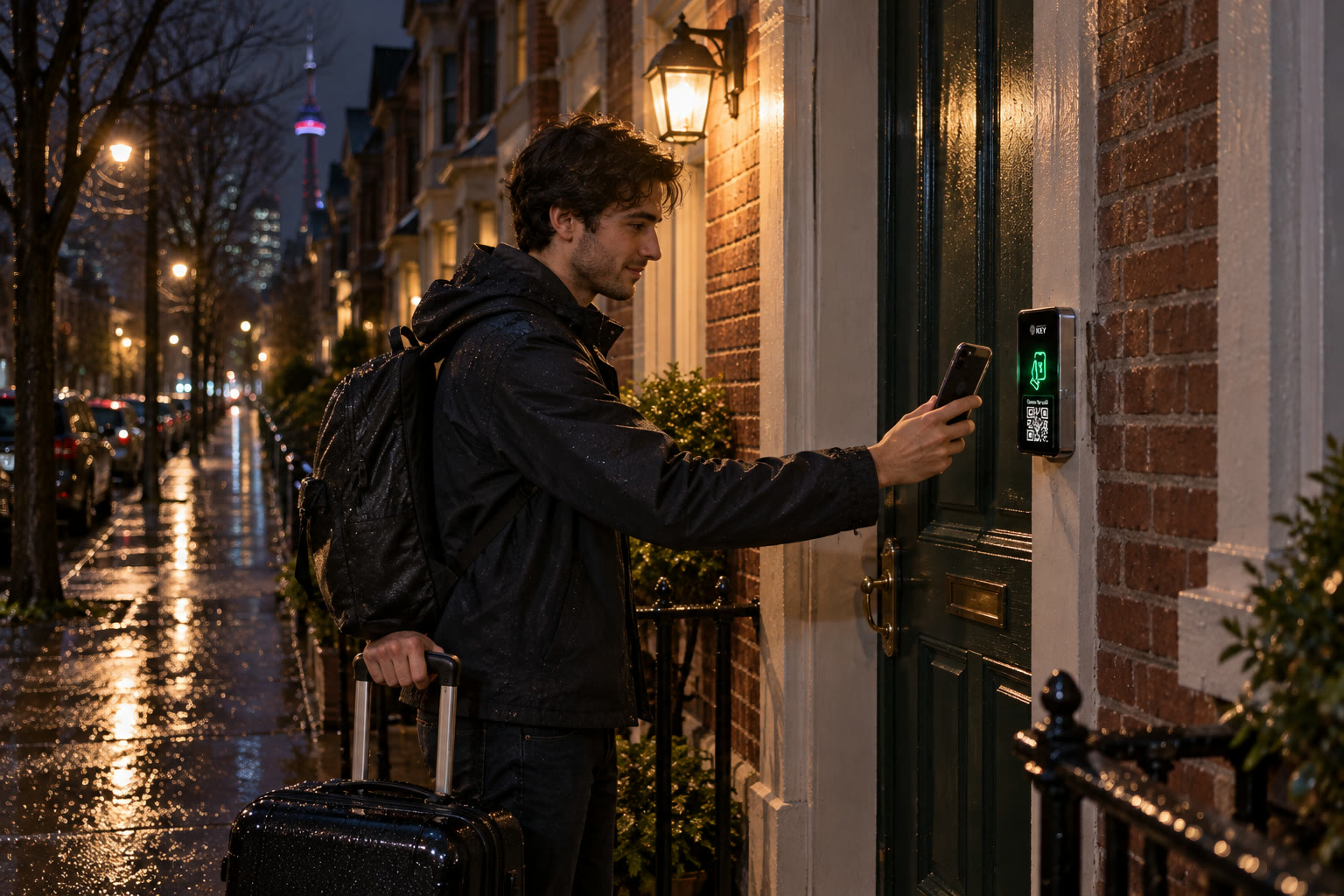
A guest reaches the door after dark
Check that the instructions still make sense when the guest is tired and unfamiliar with the property. Explain which credential is expected and how help is reached. A local reader demonstration cannot guarantee that every traveller arrives with a charged, supported phone.
Discuss an entrance-specific fallback during assessment. A different credential option may help with one problem without covering power loss or hardware failure. Avoid telling a guest that the new system makes every lockout impossible.
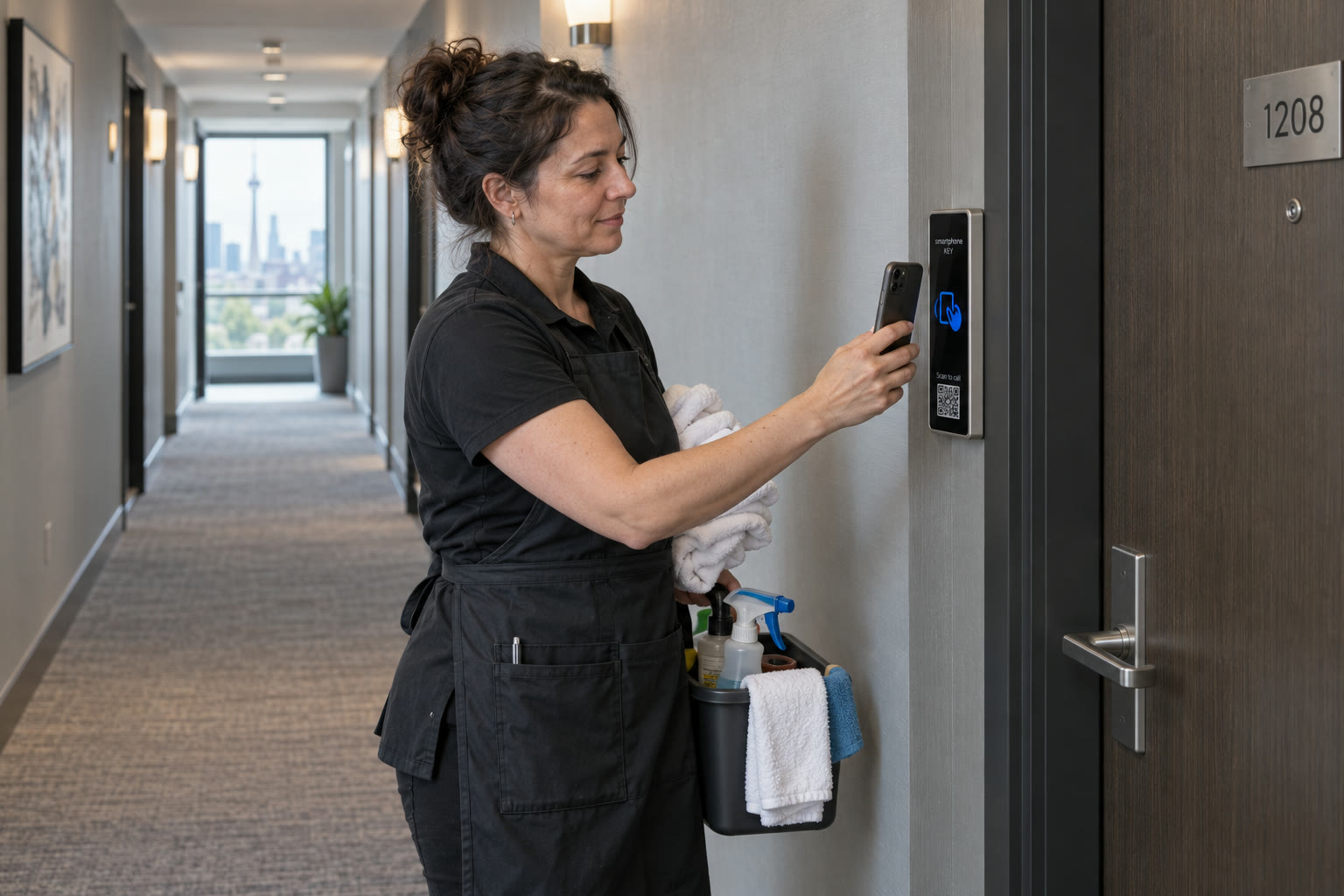
A cleaning visit moves
The cleaning appointment belongs to a service permission, rather than the old guest’s continuing right to enter. Decide who adjusts the authorized window when the reservation timing changes. The person who sees the calendar change needs a reliable route to the access administrator.
Keep approval of access separate from confirmation that the job was completed. A log entry can show a recorded credential interaction, but it does not establish that every room was checked or the property is ready to be advertised as available.
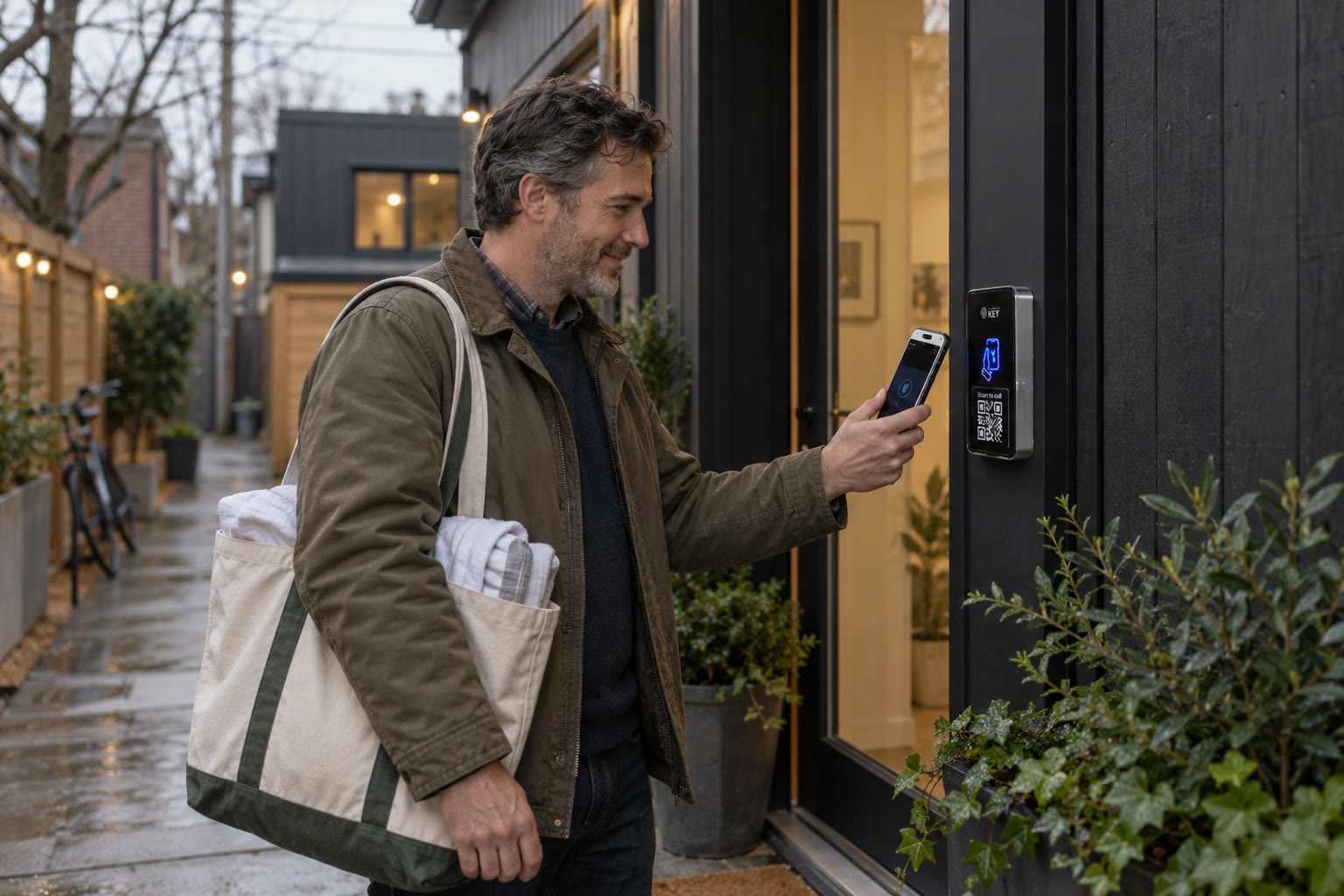
A co-host takes over the arrival
Agree which permissions and administration responsibilities the co-host actually needs. Someone helping with one property should not casually receive control over unrelated locations. SmartphoneKey describes site organization and local administration; the proposed roles should be confirmed at handover.
Review those roles when the arrangement ends. Removing a person’s access in the portal is a documented capability, but the system does not learn about a terminated hosting agreement on its own. Make the notification and withdrawal process part of your own checklist.


Choose the installation separately
The booking does not tell us which lock fits.
A phone-access reader needs suitable electric locking hardware and an assessed power and cable arrangement. Tell the assessor how the door opens today and whether common building equipment is involved. Include the connection choice, exit method and the equipment you hope to retain.
Ask for the full supplied configuration, work scope and continuing package requirements. Compare that proposal with the arrival promise you want to make. Price and timing should follow the actual work, rather than a generic smart-lock search result or the device shown in a listing photograph.
Practical answers
Confirm these details before promising self check-in.
Does SmartphoneKey automatically follow my Airbnb calendar?
That connection is not confirmed in the available product information. Treat issuing, extending and ending guest permission as host-managed tasks unless the exact integration has been separately demonstrated. The page does not claim endorsement or partnership with Airbnb.
Will the guest receive a keypad code?
A keypad is not established as part of this proposed product. SmartphoneKey documents phone and NFC-card credentials and managed guest access. Confirm the actual guest interaction and describe it accurately instead of carrying over another lock’s instructions.
Can checkout information be inferred from the entry log?
A recorded credential use does not prove that the guest has vacated the property. Use the host’s own departure and turnover process to establish readiness. Avoid presenting an access log as an occupancy sensor or a complete record of the stay.
How should I describe a backup to the guest?
Describe an arrangement that has been agreed for the particular entrance and can actually be provided. Do not advertise dead-phone unlocking. Ask how the chosen lock behaves if power is lost and which fallback applies to a missing or unusable credential.
Can a condominium unit owner change the lobby entrance?
Not solely by owning the unit. The common entrance has its own responsible decision-maker and approval arrangements. Separate the unit-door proposal from shared building equipment and involve management before promising a change.
What should a co-host know about access privacy?
Clarify which records and administrative functions their role allows and why they need them. The product supports activity and audit information, but managing a guest arrival does not automatically justify access to every site or connected camera.
How do we withdraw a former guest’s permission?
The portal supports removing keys or deactivating a person. Confirm the procedure during handover and assign responsibility for using it. A secure operating process needs both the capability and a person who knows when to act.
How quickly can this be installed before a reservation?
Confirm the door condition, approvals, power and wiring work first. Those details determine the proposed schedule. Do not promise a particular turnaround before the individual property has been assessed.
Next step
Match the listing to the real entrance.
Bring your arrival instructions and the current locking arrangement. Confirm the supported guest method, fallback and total proposed work before changing the door.
Request a door checkMatch the proposal to the arrival message
Compare what an unfamiliar guest would read with the equipment and permissions actually proposed. The supported credential, intended opening and assistance contact should describe the same arrival. Ask which parts of a shared lobby route the host can authorize and which need management participation. Keep the assessed reader, lock work, power and connection scope visible alongside credential setup and operating instructions. Review a changed reservation, an unavailable guest device and an unanswered arrival as separate questions for the host's process. A documented guest window does not establish an automatic Airbnb-calendar update or guarantee that every person can follow one phone interaction. Name the person maintaining changes and the way assistance is arranged. Include continuing charges and any essential platform connection as an unverified condition until confirmed. The proposal should make the limits clear before the listing promises self check-in based on them.
For the Toronto/GTA entrance review, bring the instructions you intend to give a guest and identify who can show the real route. Use a sample situation rather than private booking or guest data. Include the common-door authority where needed and discuss the physical scope before a work window is agreed. This presentation sends no arrival message, reserves no booking gap and certifies no address as ready for self check-in.