
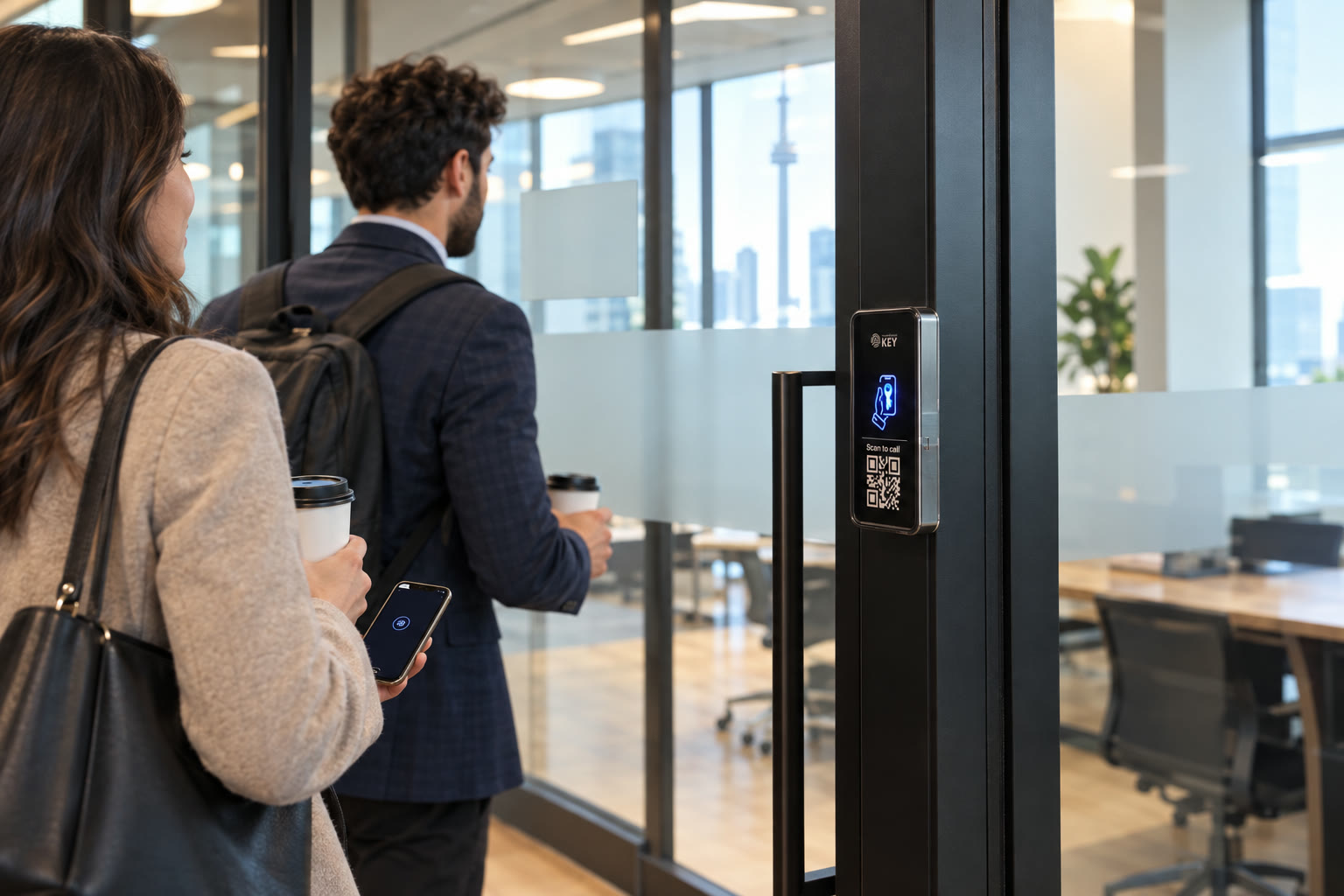
Offices & coworking · Toronto & GTA
Your team taps in. After hours too.
Let approved colleagues enter with a supported phone key, give visitors an agreed arrival route, and keep responsibility for each office door clear. Plan the street entrance, shared lobby and private suite together with the people who control them.
Workplace arrival brief
Describe the teams and entrances you manage.
Describe the street entrance, lobby and suite doors involved. Tell us which party can approve work on each opening and who will manage the access list.
Explain workplace arrivals
Separate employees, hosted guests and building-managed openings.
Check the suite entrance
Review landlord boundaries, hardware and the connection contact.
Agree administrator training
Include joiners, departures and continuing installation costs.
In short
What is phone door access for an office?
For office managers, coworking operators and business owners
Office access control connects a credential to permission at an assessed entrance. SmartphoneKey describes Wallet keys, NFC cards, guest limits and site administration. The employer or workspace operator decides which people need which doors; the installation provides a suitable reader and powered lock arrangement. For a leased suite, begin by separating tenant-controlled equipment from common entrances managed by the building.
At the door
Three moments that used to need a key.
-
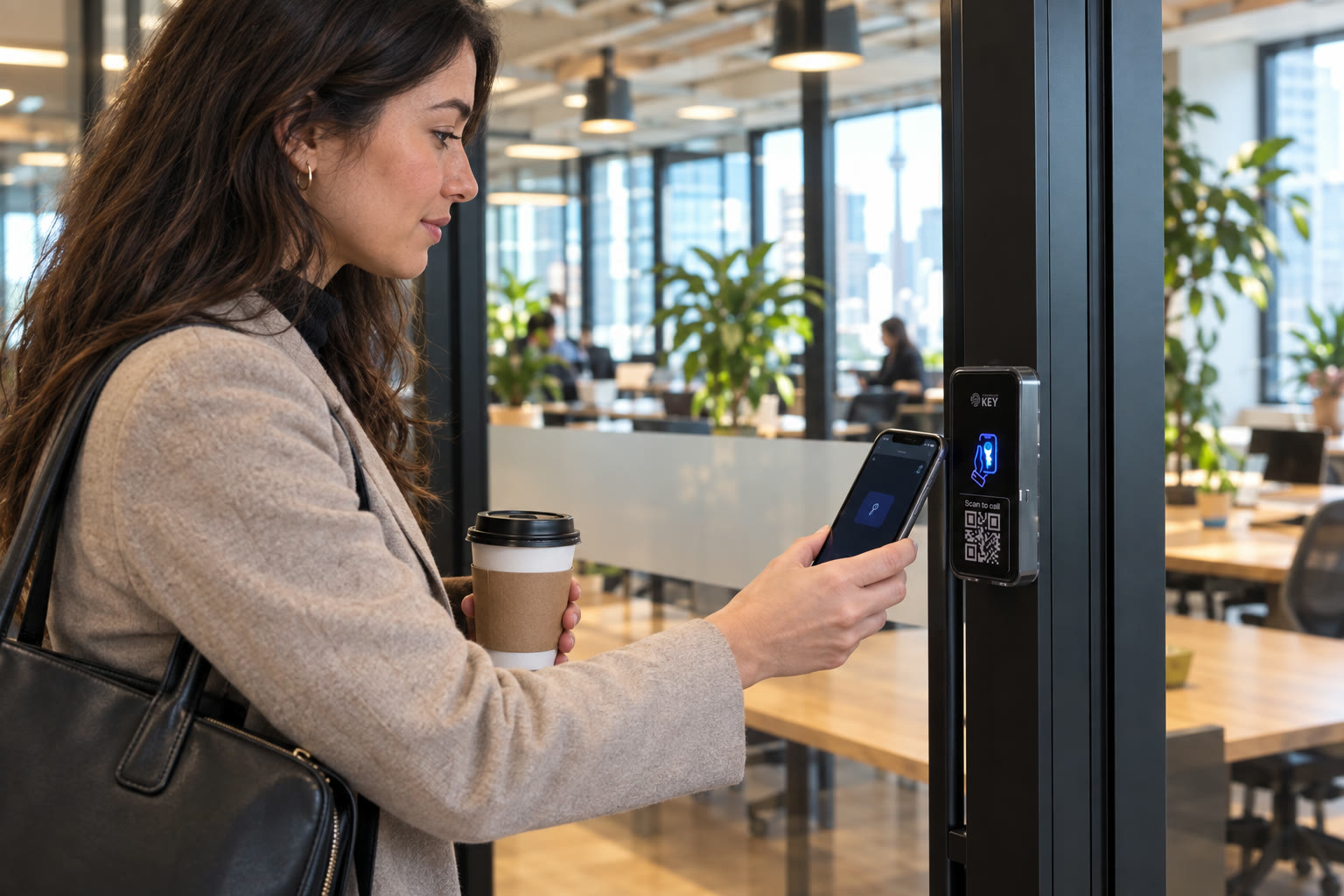
Before the first meeting
Give the opening colleague an agreed route.
Record which entrance that person may use and who helps when a credential is declined. In a shared building, the employer may control the suite while management controls the lobby. The morning routine should account for both boundaries rather than assuming one new reader replaces every existing permission.
-
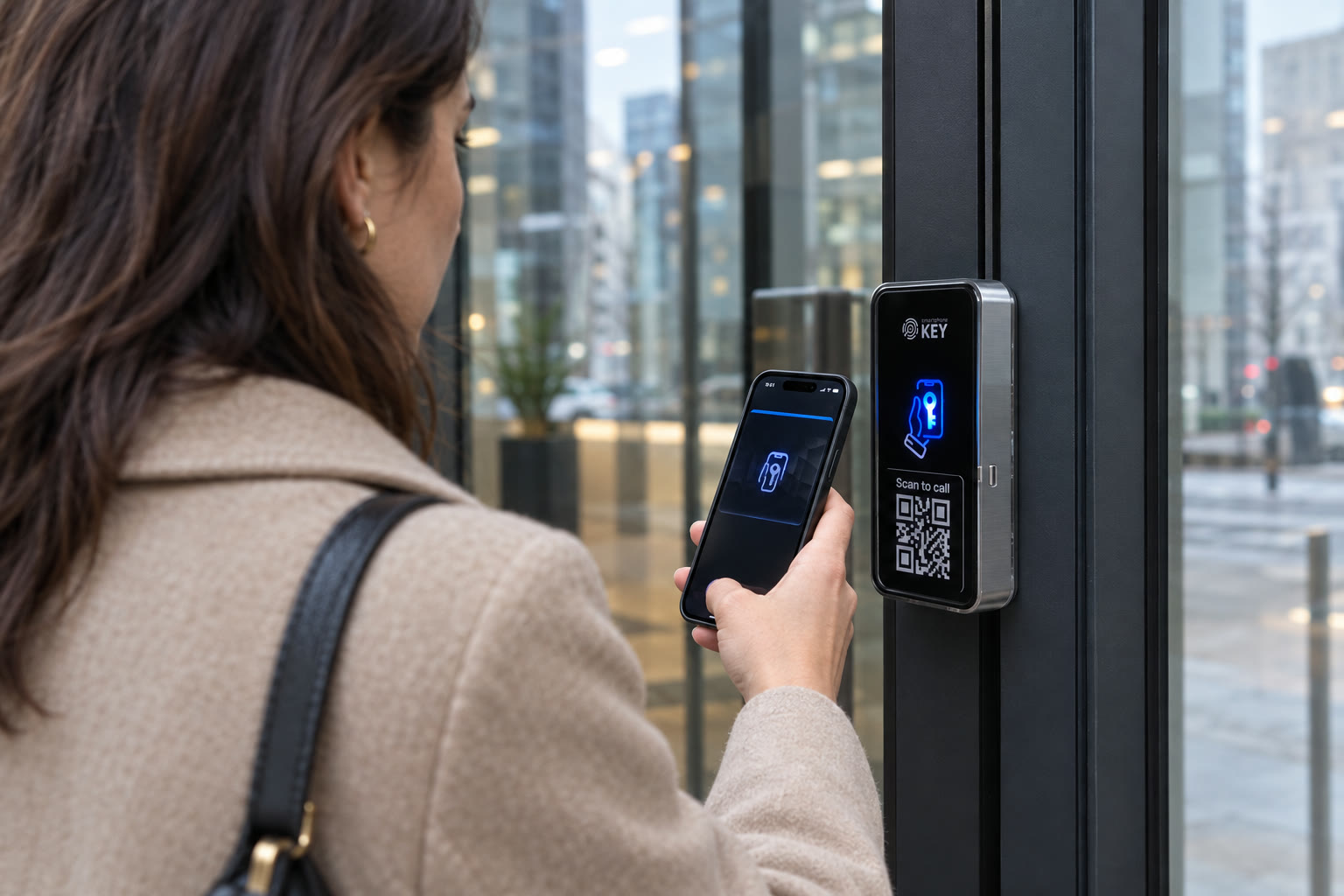
An appointment at reception
Tell the guest how to reach their host.
SmartphoneKey documents a QR visitor-call route and guest credentials with defined limits. Choose the appropriate arrival method, identify the person receiving the visitor and explain what happens when that host is unavailable. Being invited to a meeting does not automatically authorize access to every room.
-
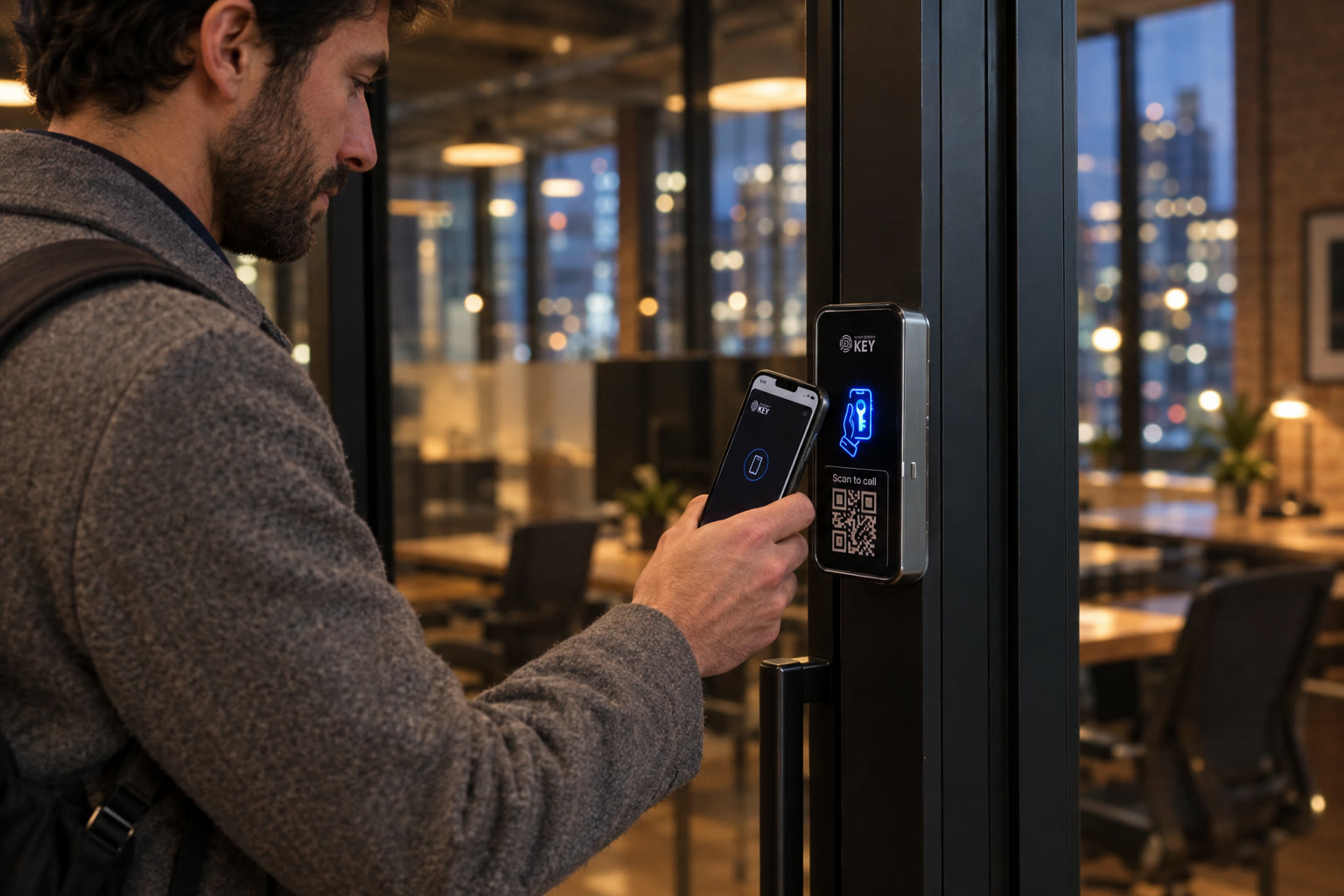
An approved evening visit
Separate permission from a promise of assistance.
Define the doors and permitted period for the colleague working later. A door schedule supports a planned routine; it does not establish who is supervising the building or available to answer a call. Agree assistance and exit arrangements with the responsible workplace and property managers.


Write the permission list
Four groups. Four different reasons to enter.
Assign access by purpose and responsibility before choosing how each person carries their credential.
Employees
Start with the necessary openings
List the entrance and work areas each team needs. Keep joiner, role-change and departure decisions connected to the person maintaining credentials.
Hosted visitors
Use the appointment as the access brief
Agree the host, arrival route and relevant window. Provide instructions for reaching reception instead of lending the visitor a permanent employee credential.
Workspace members
Distinguish the common area from the suite
A coworking operator can have several separately authorized groups. Clarify who administers shared doors and who may approve access to a private office.
Service contractors
Match permission to the assigned visit
Document which rooms are included and who confirms the work window. A changed appointment needs an administrator to update or withdraw the intended access.
From portal settings to office routines
Make the access list part of workplace administration.
Staff onboarding
Issue the credential alongside workplace instructions
Confirm the supported device or product-specific NFC-card choice, the approved doors and where to request help. The first-day checklist should show the person how to arrive and the administrator how to withdraw that permission later.
Managing a change
Give departures a responsible administrator
SmartphoneKey documents credential revocation. Assign the actual update to a named person when employment, a contract or a workspace agreement changes. The supplied evidence does not establish an automatic connection to HR, lease or payment software.
Site boundaries
Separate administrative roles between locations
Use the documented site organization and local administration options when planning several offices. Confirm the responsibilities of each administrator during handover. A shared sign-in to the portal should not become an informal substitute for agreeing who manages each property.
Visitor handling
Choose a hosted route at the street entrance
Explain the QR call option and any guest credential in the context of an actual reception process. Define who answers, how a guest finds the intended suite and what happens when a visit is cancelled. These are workplace operating decisions as well as device settings.
Comparing evidence
Keep access events and administrator actions distinct
A reported entry can be investigated through the activity record. A credential change calls for the audit trail of administrator actions. Use those records with the relevant workplace process rather than treating an entrance interaction as an attendance or payroll calculation.
Defining the proposal
Price the complete entrance arrangement
Include retained or new locking hardware, reader placement, supply, wiring, connection and credential requirements. Ask about continuing package costs and the administrator handover so equipment choices can be compared on the same installed scope.
Investigate the right question
A door event and an administrator change tell different stories.
If a colleague reports a refused arrival, check the intended permission and the relevant activity event. If the question concerns who changed a credential, use the administrator audit trail. Interpret either record with the workplace decision it relates to.
| Reported situation | What to establish |
|---|---|
| Employee cannot enter | Correct entrance, intended permission and the relevant credential event |
| Visitor appointment changed | Which host approved the change and who updated the guest permission |
| Former contractor still appears on the list | The responsible administrator and the withdrawal decision |
Bring facilities and workplace administration together
Follow the route from the street to the desk.
Use the first assessment to identify the doors in scope, the people responsible for them and the physical work the entrance needs.
Authority to alter each opening
Bring the landlord or building manager into proposals affecting shared hardware. A tenant may be able to approve its own suite work while having no authority over a lobby reader.
The lock already in service
Identify the physical locking mechanism and its release arrangement. Existing fobs do not establish that the old controller, cards or electric lock can be retained unchanged.
Power and installation route
Locate an appropriate supply and assess how cable can reach the proposed equipment. Include work near glazing, reception finishes and shared service routes in the agreed installation scope.
Connection ownership
Discuss the reader connection and the responsible network contact. SmartphoneKey documents Wi-Fi and LTE variants; assess the actual entrance and any SIM or ongoing service requirements.
Reception coverage and leaving
Explain ordinary staffing, after-hours attendance and the specific assistance path. Review the exit arrangement at the property; permissions and an attractive reader do not establish how occupants should leave.
Demonstration for the administrator
Use a new starter, a withdrawn credential and a limited visitor as handover scenarios. The responsible team should understand the proposed routine before accepting the installation and its continuing responsibilities.
Before requesting equipment
Choose the operating responsibilities first.
A useful brief includes
- The openings your organization can authorize work on.
- A responsible manager for employees, visitors and contractor changes.
- The installation and ongoing costs you want explained before proceeding.
Resolve these dependencies
- Landlord permission for equipment outside the tenant's control.
- Any required HR, booking or billing integration that has not been verified.
Questions for the workplace decision-maker
Clear up responsibility before introducing new credentials.
What information helps a new starter arrive successfully?
Issue the credential through the agreed administrator and explain the entrance, allowed doors and assistance contact. Check the intended phone or card arrangement during onboarding. A successful invitation alone does not establish that a colleague knows the building route or has permission for every shared door.
Does an HR departure automatically withdraw office access?
The product materials establish manual credential management, not a verified HR connector. Make withdrawal a named responsibility in the departure checklist. Apply and check the intended change rather than assuming that an employment record updates the door system.
Can a visitor call their host without installing an app?
SmartphoneKey describes visitors scanning the reader QR marking with their phone camera to contact the relevant person. Confirm how that route will be configured for the workplace. The host availability, guest instructions and any building reception procedure still need to be agreed.
Can one credential cover the lobby and a private suite?
Discuss the authorized doors and the controllers responsible for them. SmartphoneKey supports managing doors within its arrangement, but a separate building system does not become compatible merely because the same tenant uses both entrances. Assess the complete arrival route before promising consolidation.
Who should manage keys in a coworking property?
Name the operator responsible for common access and establish how private-suite decisions are approved. The documented local administration options can support a site handover. Explain which role may issue, amend and revoke credentials so members do not rely on an unrestricted shared administrator login.
What happens when a phone is flat or the office loses power?
Agree the alternative credential, assistance contact and hardware-specific fallback at assessment. An NFC card can offer another supported credential, while the reader and electric release still depend on their assessed power arrangement. Do not infer that a flat phone will unlock or that a card solves every outage.
Can work be planned around reception hours?
Describe meeting-room use, deliveries and the periods when the entrance must remain available. The proposed hardware, wiring and existing door condition determine the work and any interruption. Ask for that arrangement in the proposal; no fixed installation duration is promised here.
Which changes need the landlord involved?
Start with any opening or equipment the organization does not own or control, including a shared lobby and building-managed wiring routes. Have the responsible property party confirm permission. A tenant can prepare the requirement without assuming it has authority to modify the common entrance.
Next step
Start with the doors your team depends on.
Bring the workplace arrival route and its responsible contacts. Confirm the assessed installation, continuing costs and administrator handover before work is agreed.
Request a door checkSpecify facilities work and permission ownership
A workplace proposal should distinguish retained door equipment from new readers, powered releases and cable or supply work. Add the connection choice, supported credentials and any continuing package charges. Document who authorizes access for employees and coworking members, who performs changes and how a departure reaches that person. Required links to HR, room booking or subscription systems need their own verified scope; they are not established by portal administration. Ask for the administrator handover to include a role change and permission withdrawal as well as issuing a new credential.
Explain the Toronto or GTA premises layout, reception hours and periods when staff or clients depend on the entrance. Facilities should identify service-area access and any landlord-controlled part of the route. Discuss interruption and temporary arrival instructions once the physical work is understood. Working outside office hours, retaining every existing badge and automatic synchronization with another workplace account are not assumed parts of the installation.