
Mississauga · Access control
Access control systems. In Mississauga.
Start with the entrances you manage, the people who need keys and the hardware already on each door. The assessment sets the equipment and scope before a quote.
Mississauga
What does your property need to control?
Access control systems in Mississauga
For access control at a Mississauga property, prepare a permission map alongside the physical door survey. Name the entrance, the group authorised to use it and the person who will update that permission when circumstances change. SmartphoneKey documents supported phone credentials, its own NFC cards and limited guest keys; those choices work with an assessed electric locking arrangement. A shared building door remains a separate approval boundary from a leased office or internal room. Ask the proposal to connect the chosen credentials with the actual release, supply and management routine instead of treating the reader as a complete installation by itself.
Define the permission and the opening
Describe access control for your Mississauga property.
Tell us who uses the entrance. The service and city are filled in for this page and can be changed below.
Describe the Mississauga doors
Include permitted groups and the person approving changes.
Assess the control arrangement
Review local entrance hardware, supply and connection needs.
Agree property-specific administration
Include the permission handover and installed proposal.
Before the door check
Map the door before choosing the reader.
Use this checklist for the specific Mississauga address. A working lock in one part of the building does not establish what another entrance needs.
01Separate shared and private doors
List the lobby, office entrance, staff door and any internal rooms separately. Record who can approve changes to each one; do not assume a tenant controls the building entrance.
02Record what opens each door today
Note keys, fobs, cards, a buzzer, an electric strike or a magnetic lock. Existing equipment is assessed on site; keeping the old fobs alongside the new system is not assumed.
03Plan the first and last arrival
Set out normal hours, after-hours access and visitor needs. Decide which people need a card, which can use a phone and how temporary keys should expire.
04Assign the change process
Name who handles a lost credential, a departing staff member and a cancelled appointment. An update in a separate booking, membership or employment record has not been confirmed as an automatic door update. The responsible administrator needs a repeatable permission-change routine for the agreed openings.
05Describe an interrupted arrival
Explain when the property is staffed, who can assist a person without the intended credential and how occupants leave. Discuss the actual lock's behaviour if supply is lost. A physical card is an alternative credential, not power for the reader or electric release.
06Define what handover should demonstrate
Ask the future administrator to participate in issuing an intended permission, changing it and withdrawing it. Review the relevant recorded interaction and management action without treating either as a list of everyone inside. Keep the demonstration tied to the configured doors rather than a different entrance.
Example, not a completed project
One workplace, two different permissions.
For example, a team leasing an office in Mississauga may control its suite door while the building manager controls the lobby. A suite-door plan alone would not solve after-hours entry to the lobby. Establish both responsibilities before choosing the installation scope.
Scope and practicalities
A quote follows the door assessment.
An access-control proposal for the assessed Mississauga opening should identify each retained and new component: reader, suitable release, electrical supply, cable route and the selected Wi-Fi or LTE arrangement. Include configuration, the people maintaining credentials and any continuing package or connection charges. Discuss access to occupied areas and the interruption involved in carrying out the work. Existing fobs, visitor equipment, cameras or business software require their own compatibility discussion; their presence is not confirmation of an integration. Agree the included work and administrator handover before accepting installation, with any unresolved requirement written down rather than implied by a product feature.
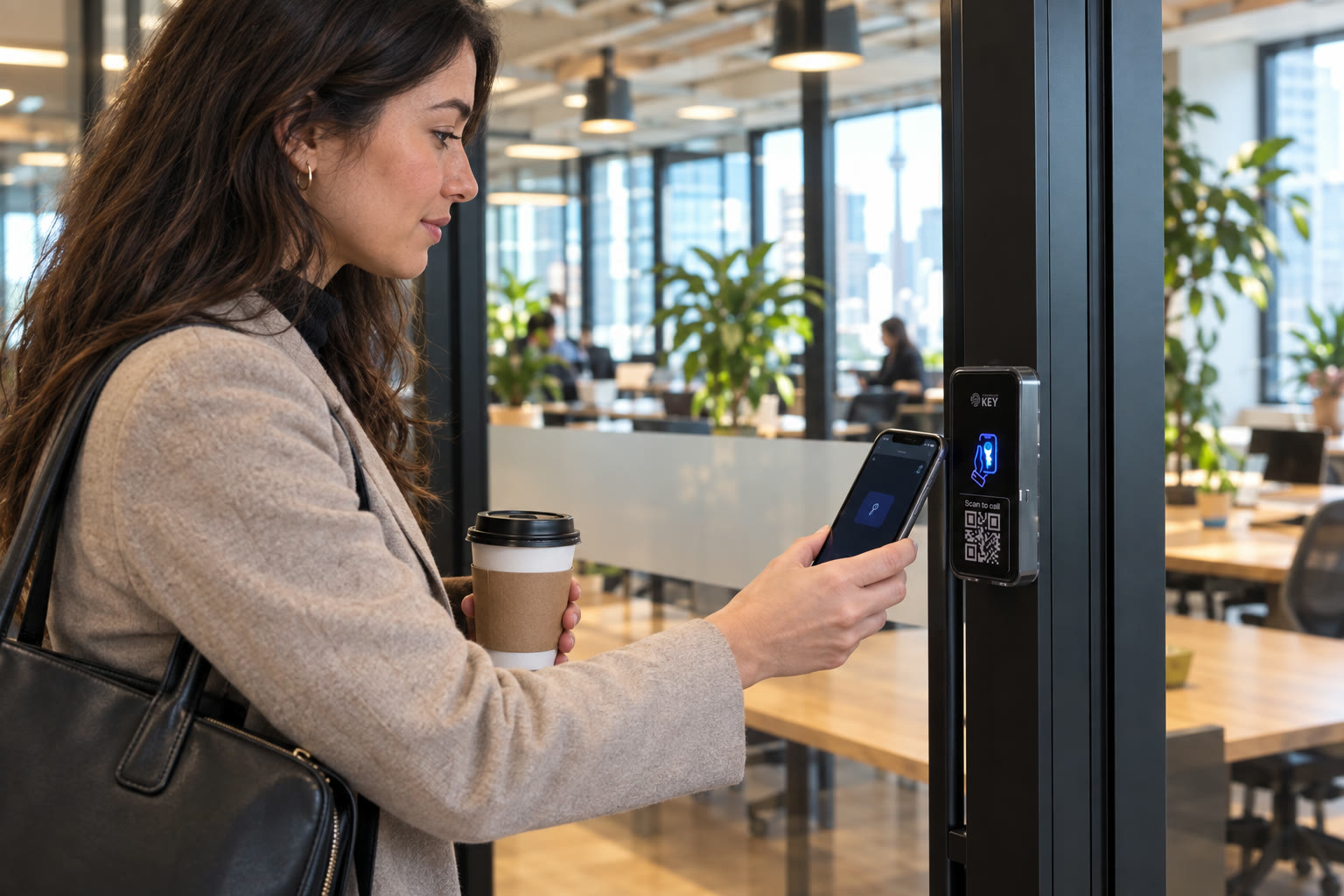
Photos illustrate typical settings, not local customer installations.
Mississauga questions
Before you decide.
Start with the practical questions for your property.
Can this replace our current fobs in Mississauga?
The existing reader, lock, wiring and building permissions determine the options. SmartphoneKey uses its own NFC key cards and Wallet keys. Keeping an existing fob system or replacing it must be assessed for the actual door.
What if the office door and lobby have different owners?
Treat them as separate decisions. Involve the building manager for the lobby and the person responsible for the office door. A new reader at the suite does not automatically grant access through the shared entrance.
Can visitors have a key only for their appointment?
Guest keys can have a start and end time and a limit on uses. Plan the guest access in the admin portal. Automatic links to booking or membership software are not confirmed.
How is the installation cost worked out?
The door check establishes the number of entrances, lock changes, wiring, power and connection. Equipment, setup and any recurring costs should be identified before work starts; no price is assumed from the city alone.
Who updates the door permission after a staff or tenant change?
Assign that task to the responsible account administrator unless the specific external connection has been verified. Changing a lease, employment or booking record elsewhere does not establish a corresponding access update. Confirm both the business decision and the resulting permission for the intended door.
Does an accepted key event establish who occupied the premises?
It establishes a recorded credential interaction within the available activity information. It does not identify everyone who followed through the entrance or establish how long anyone remained. Use the administrator audit trail for account changes and interpret each record within the property process.
Can the same credential automatically use every entrance in the account?
Do not make that assumption. Specify the intended permission for the lobby, suite and restricted rooms separately. At handover, ask the administrator to explain the agreed door assignment and how a person receives only the access relevant to their role.
What information is unnecessary in this access-control preview?
Approximate numbers, the current entrance arrangement and the coordinating contact can explain the project. Do not enter a staff directory, card serial numbers, account passwords or another person's private details. The preview does not enrol users, issue keys or operate the installed lock.
What if a phone battery is flat?
Do not rely on a flat phone unlocking the entrance. Discuss a supported alternative credential, such as the product-specific NFC card, and the assistance route for the assessed door.
What happens in a power cut?
The reader and powered lock need an appropriate supply. Ask the assessor to confirm the selected hardware’s behaviour during an interruption, how occupants leave and any proposed backup. An alternative credential does not supply power to the lock.
Who can see the entry records?
SmartphoneKey describes activity records and an administrator audit trail in its portal. Confirm the intended access roles and information-handling arrangements for the installation. The preview request form on this site sends and saves nothing.
Next step
One entrance. A clear plan.
Describe the door and who needs access. Confirm responsibilities and equipment before committing to an installation.
Request a door checkA defined permission and installation scope
Ask the proposal to name the controlled openings, credential choices, retained components and new work. Include the supply and connection, administrator handover and continuing charges. Any requirement for old fobs or separate software should be confirmed explicitly rather than presumed.
For the Mississauga assessment, arrange a contact who can show the equipment and involve each party controlling a proposed opening. Confirm availability before setting a work date.